The free Red Giant Offload alternative for Mac in 2026
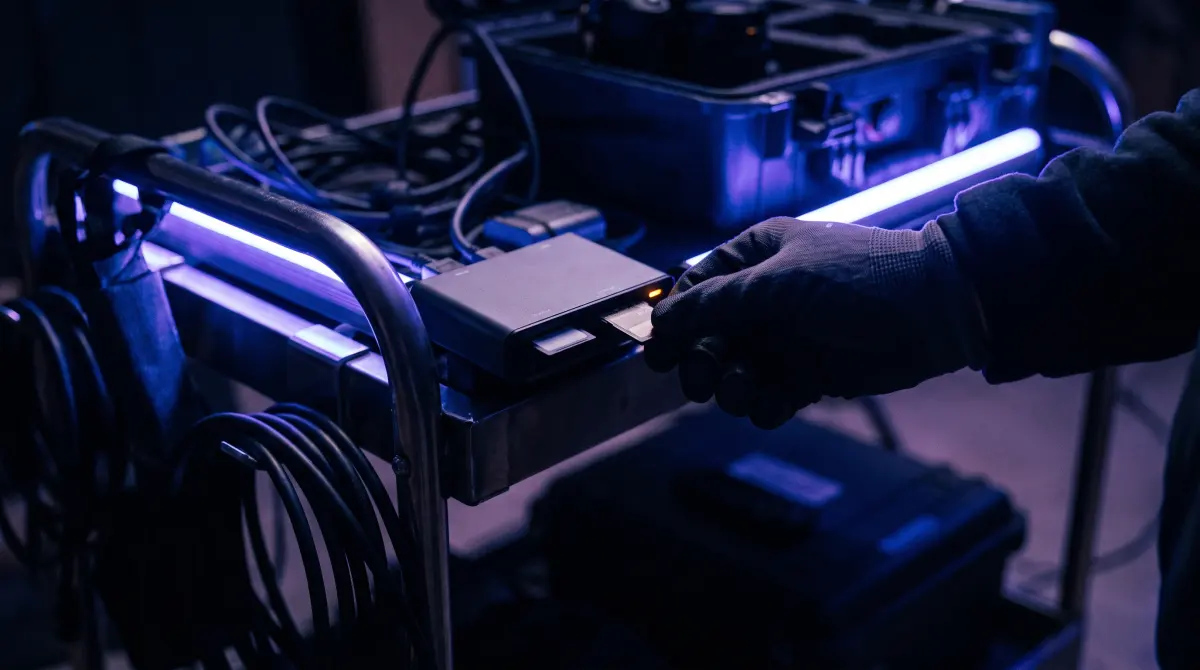
Copsy — a free Mac camera-offload app — is the closest free alternative to Red Giant Offload, the simple paid offload utility from Maxon. Plug in an SD, CFexpress or camera card and Copsy auto-detects it, copies the footage to your drive and to Google Drive or Dropbox in the same offload, verifies every file with ASC-MHL checksums, organizes by date and source, and pings you on Telegram when it's done — free, no card limit, no signup.
Red Giant Offload costs around $49 (last verified June 2026) and does the basic card-to-drive copy. Copsy does that part for free and adds verified copies, cloud, and notifications on top.
Download Copsy for Mac → · macOS 13+ · no account needed
What is Red Giant Offload?
Red Giant Offload is a small, focused offload app from Maxon, built to do one thing: copy footage off a camera card to a destination drive without you babysitting a Finder window. It's clean and easy to use, and it has been a reasonable paid pick for shooters who just want a "copy this card safely" button. Historically it has sold for around $49 (last verified June 2026 — Maxon's pricing and packaging change, so check their site for current details).
Where it stops short is everything around the copy: it's primarily a drive-to-drive offload tool, so cloud destinations, broad auto-detection of camera types, and end-of-job notifications aren't its focus. Copsy fills that gap, for free.
Copsy vs Red Giant Offload — honest comparison
| Feature | Copsy | Red Giant Offload | Finder drag |
|---|---|---|---|
| Price | FREE | ~$49 PAID | FREE |
| ASC-MHL checksum verification | ✓ built-in | basic checks | ✗ not verified |
| Auto-detect card type (Sony/ARRI/RED/BMD/Canon/drone/audio) | ✓ | manual / partial | ✗ |
| Copy to a drive AND cloud (Drive/Dropbox) in the same offload | ✓ | drives only | ✗ |
| Organize by date + source automatically | ✓ | basic | ✗ |
| Telegram notification when done | ✓ | ✗ | ✗ |
| No signup / no account | ✓ | ✓ | ✓ |
| Platform | macOS 13+ | macOS / Windows | macOS |
Pricing and features change — figures above were last verified in June 2026. Check each vendor's site for current details.
Why Copsy is a strong free alternative
Red Giant Offload solves the "don't lose a card to a Finder copy" problem, and that's a real problem worth solving. Copsy solves the same problem and a few more, without the licence fee:
What you get for free with Copsy
- Verified copies, not just copies. Every file is hashed and confirmed with ASC-MHL, the same standard used on film sets and for Netflix delivery, so a corrupt or truncated copy gets caught before you format the card.
- A drive copy and a cloud copy at once. Copsy can write to your external drive and to Google Drive or Dropbox in the same offload, so your 3-2-1 backup starts the moment the card goes in.
- Real auto-detection. Copsy recognizes Sony, ARRI, Blackmagic, RED, Canon, drone and audio-recorder cards by content, and works with any card it can read.
- Hands-off finish. A Telegram message tells you the card is copied and verified, so you can walk away and trust it's done.
When Red Giant Offload (or another paid tool) still makes sense
Consider staying paid if you…
- Need Windows support today — Copsy is macOS-only for now.
- Are already deep in the Maxon / Red Giant ecosystem and want one vendor for billing and support.
- Depend on a specific advanced DIT pipeline (LTO/LTFS, NLE panel integrations). For those, a heavier tool like OffShoot or YoYotta is a better fit than either Offload or Copsy.
For the everyday job (pull a card, copy it to a drive and the cloud, verify it, get on with the shoot), Copsy covers it for free.
How Copsy offloads a card
- Plug in the card. Copsy detects it by content and recognizes the camera or source: Sony, ARRI, RED, Blackmagic, Canon, a drone, an audio recorder, or any card it can read.
- Pick destinations. An external drive, plus optionally Google Drive or Dropbox, copied in the same offload.
- Walk away. Copsy copies, organizes by date and source, and verifies every file with ASC-MHL checksums.
- Get pinged. A Telegram message confirms it finished and verified, so nothing is lost before you format.
Shooting Nikon Z9/Z8 N-RAW, Panasonic LUMIX V-Log, GoPro chaptered clips or Fujifilm ProRes? Copsy treats them all the same way: read the card, copy every file, verify it, and lay it out by date and source on your drive (and in the cloud).
Frequently asked questions
Offload your next card for free
Copsy — a free Mac camera-offload app. Verified copies to a drive and the cloud, nothing lost.
Download Copsy for Mac