Watch your card offload from your iPhone
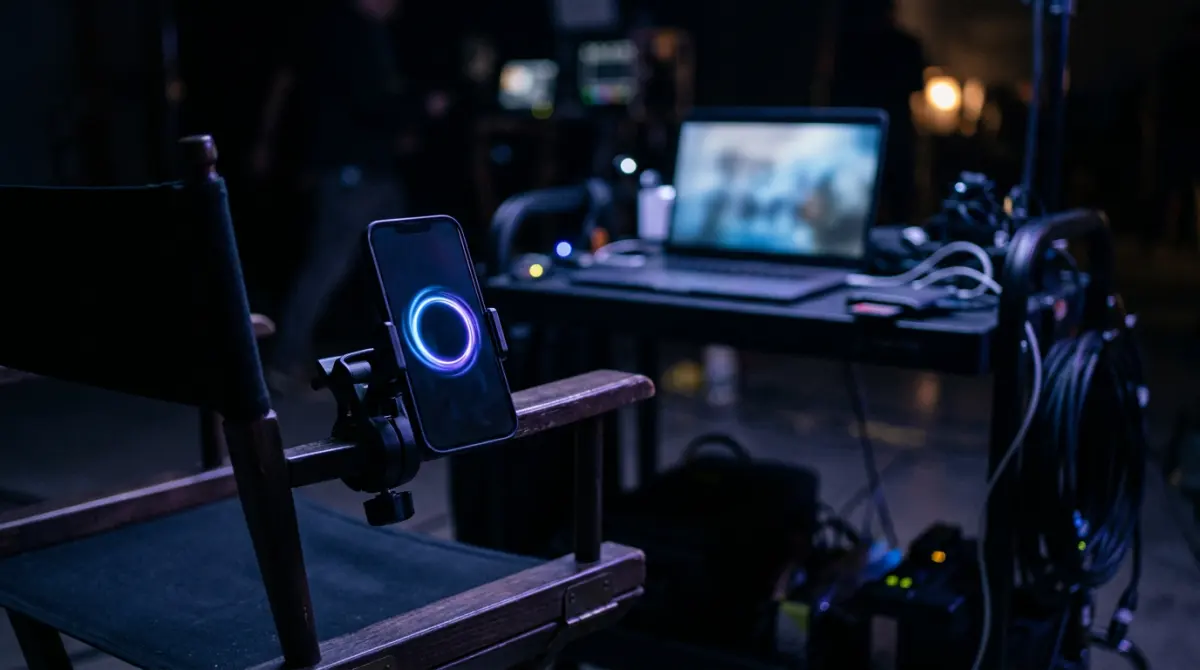
Copsy Monitor is a companion app for iPhone and iPad that mirrors what the Copsy Mac app is doing while it offloads a card — live percent, MB/s, files copied and ETA for every copy and every cloud upload — over your own Wi-Fi. From the same screen you can start a copy, cancel one, or eject a card on the Mac.
It is not released yet. There is no App Store listing and no download for the phone app today. The Mac app that does the actual offloading is free and available now.
Download Copsy for Mac → · macOS 13+ · no account needed
The problem it solves
The Mac doing the offload is almost never where you are. It's in the DIT tent, in the back of the van, on a case in the corner of the room while you're still shooting. So you walk back to it. You look at a progress bar. You walk away again. Ten minutes later you do it once more, because the one thing you can't do is guess whether the card is safe.
Copsy Monitor puts that progress bar in your pocket. Same numbers, same job list, same card list — read straight off the Mac over the Wi-Fi you're already on.
What it looks like
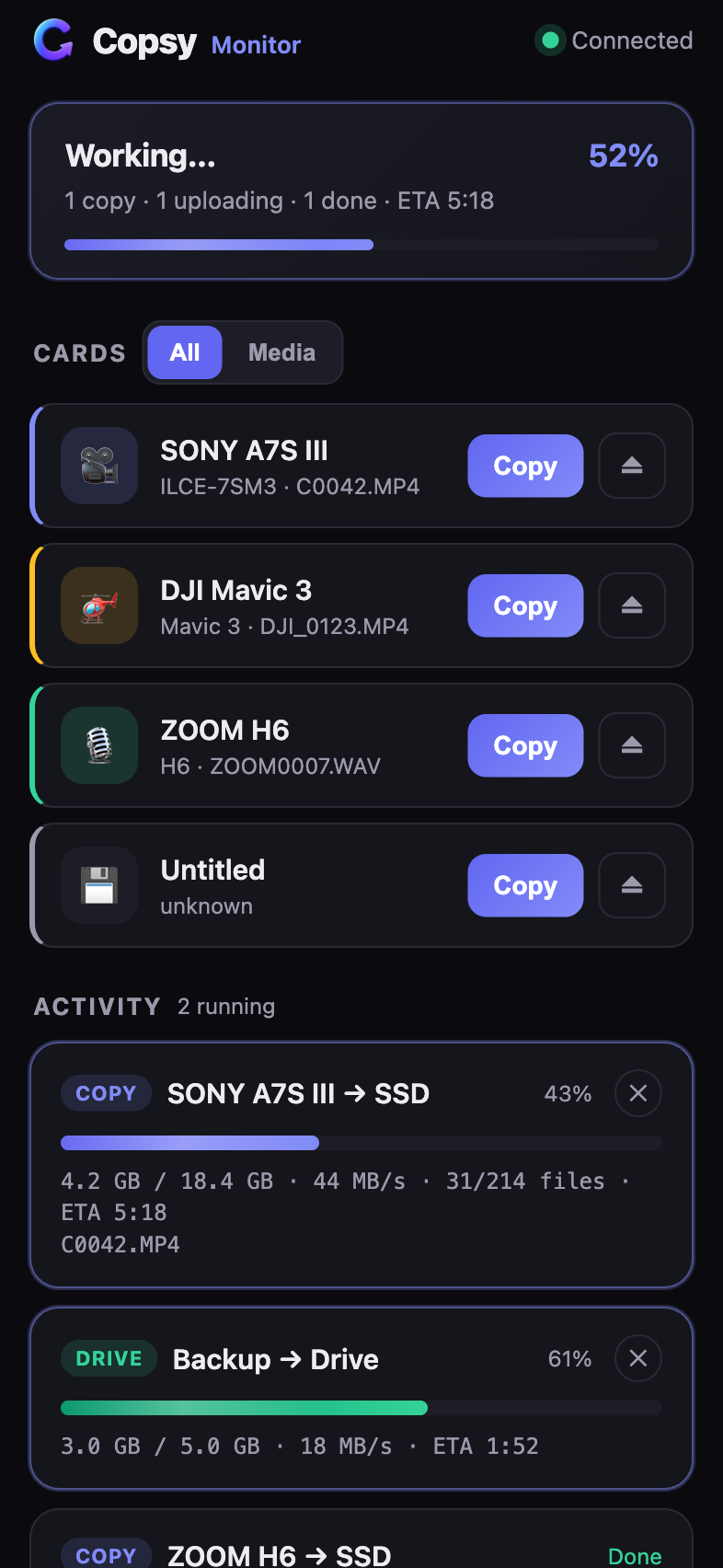
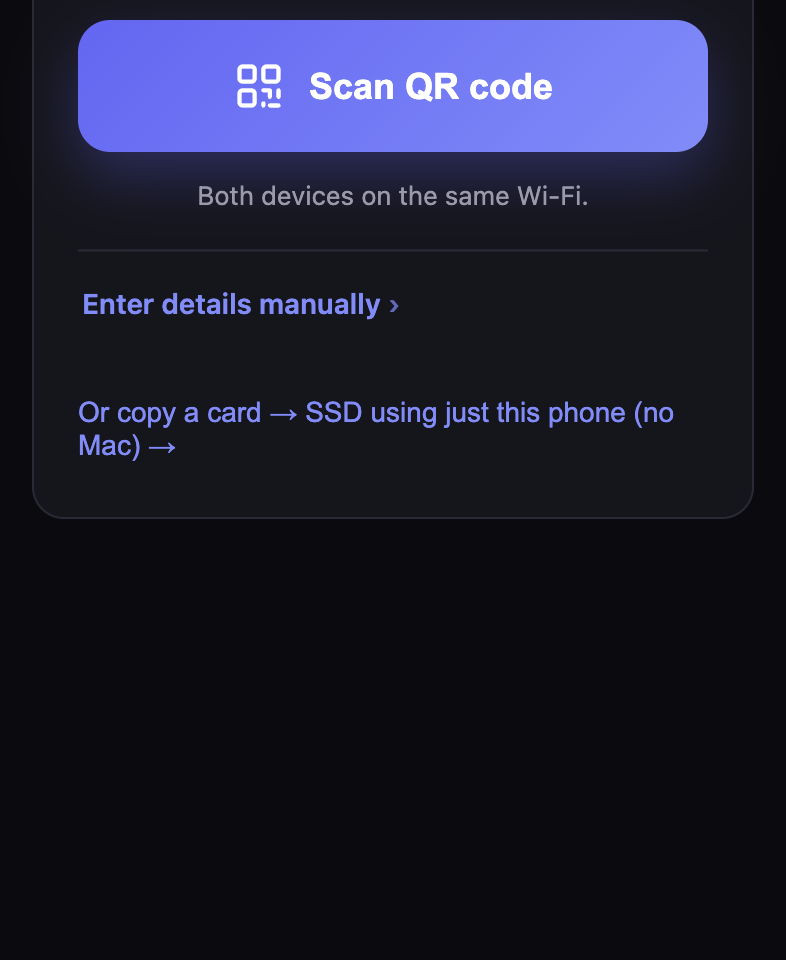
Real screenshots of the current build's interface, rendered at iPhone size with sample cards and jobs.
What it does today
- Live monitoring. Cards currently inserted in the Mac, every running copy and every cloud upload, with percent, gigabytes moved, speed in MB/s, file counts and ETA. Built and tested against the real Copsy helper.
- Remote control. Start a copy, cancel a running one, or eject a card — on the Mac, from the phone. Built and tested. It calls the same endpoints the Mac app's own buttons call, so nothing new had to be invented on the Mac side.
- Copying with the phone alone. A card reader and an SSD plugged into the phone over USB-C, no Mac involved. The copy engine and the card detection are written and verified in the iOS Simulator, but this has never run against real hardware, so treat it as unproven.
How pairing works
The Copsy helper on the Mac listens only to the Mac itself by default. Nothing on your network can reach it until LAN access is switched on deliberately — which today means setting lan_monitor: true in the helper's config file, or launching it with COPSY_LAN_MONITOR=1. There is no switch for it in the Mac app's interface yet; that is one of the missing pieces listed below.
Once it is on, the Mac serves a page showing a QR code that contains its address, port and the per-install token. The phone scans it and connects. Typing the same three values by hand works too.
Both devices have to be on the same Wi-Fi. There is no account, no cloud relay and no server in the middle — the phone asks the Mac directly.
Security model
Letting a phone read what your Mac is doing is only reasonable if the door is narrow. It is:
- LAN access is off by default. The helper binds to the local machine until you opt in through its config.
- Every
/apirequest carries a per-install bearer token. Turning on LAN access does not weaken authentication — an unauthenticated request for data is rejected. - The pairing payload, which contains that token, is served only to the Mac itself. It never travels over the network to be read by something else.
- Requests that arrive claiming a public IP address are refused, which shuts down DNS-rebinding attempts from a browser.
- The connection is plain HTTP on your own LAN today. Encryption is a planned hardening step, so for now use it on Wi-Fi you trust rather than a hotel or venue network.
What isn't finished
Being specific about this is more useful than a launch date:
- No App Store release, so there is nothing to install on a phone today.
- The Mac app has no "connect a phone" screen yet. The QR pairing page itself exists and the helper serves it locally, but nothing in the app's interface opens it — you turn LAN access on in the config file by hand.
- The phone-to-Mac link is unencrypted on the local network. TLS is planned before any public release.
- Copying a card with the phone alone is verified in the Simulator only, never on a real reader and SSD.
- Progress is polled — running jobs about every 1.5 seconds, the card list every 6 — rather than streamed, which costs more battery than it needs to.
What you'd need
- Copsy for Mac (macOS 13 or later) doing the offload — that part is free and available today.
- An iPhone or an iPad. It's one universal build, so both work.
- Both devices on the same Wi-Fi network. No internet connection is required.
Frequently asked questions
The Mac app is ready now
Copsy offloads and verifies your cards on macOS today, for free. The phone companion is being built on top of it.
Download Copsy for Mac