DIT vs data wrangler: who does what on set
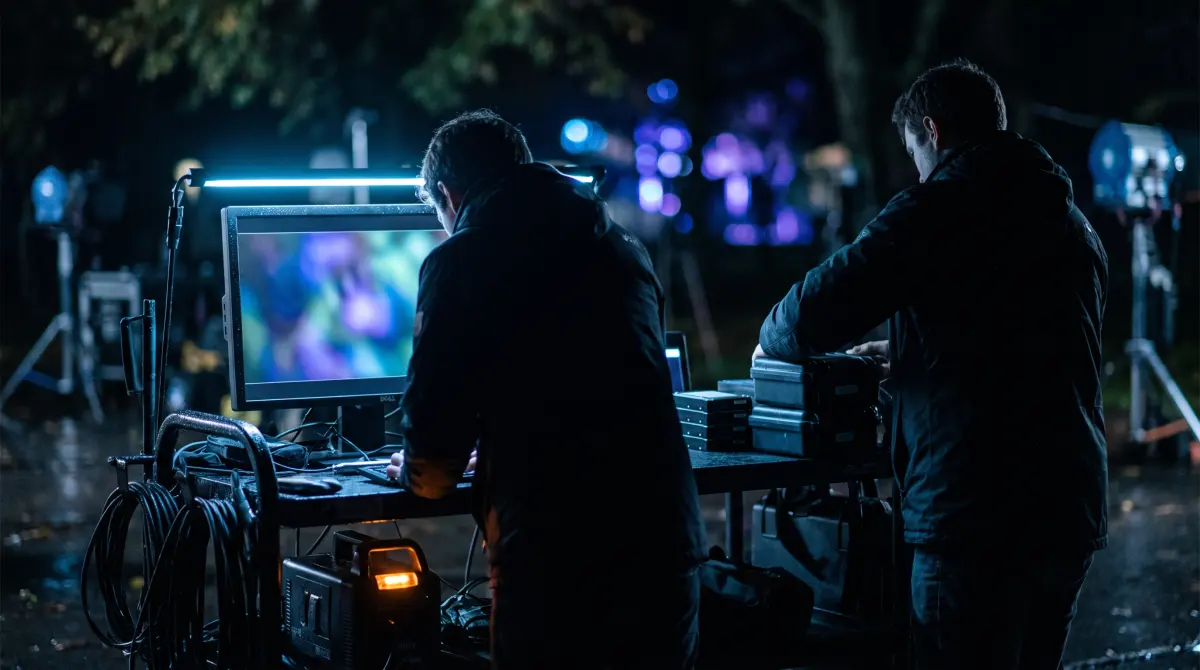
A data wrangler gets footage safely off the camera: offload each card, back it up to multiple drives, and verify every file copied correctly. A DIT (Digital Imaging Technician) does all of that on smaller crews and owns the image — color and look management, on-set monitoring and QC, LUTs/CDLs, and verified dailies for editorial.
Put simply: every DIT can wrangle data, but not every data wrangler is a DIT. Verified offloading is the foundation both roles depend on. Copsy, a free Mac camera-offload app, handles that offload/verify part for free.
Download Copsy for Mac → · macOS 13+ · no account needed
The two on-set media roles, side by side
On a film or commercial set, the "digital loader" workflow is split across two job titles. They overlap, and on a small crew one person often does both, which is exactly why people search for the difference.
| Responsibility | Data wrangler | DIT |
|---|---|---|
| Offload media from camera cards | ✓ core job | ✓ |
| Back up to multiple drives | ✓ | ✓ |
| Checksum / ASC-MHL verification | ✓ | ✓ |
| Organize & log media by date/source | ✓ | ✓ |
| On-set monitoring & QC (exposure, focus) | — | ✓ |
| Color & look management (LUTs, CDLs) | — | ✓ |
| Camera/metadata & signal management | limited | ✓ |
| Build & deliver dailies for editorial | — | ✓ |
| Typical day rate | lower | higher (skilled) |
Roles vary by production size and region — on small crews one person covers both columns. General industry breakdown, last reviewed June 2026.
What a data wrangler does
The data wrangler, sometimes called a "media manager," "DMT," or "loader," has one mission: make sure no footage is ever lost between the camera and the edit. On a typical day that means:
- Ingest every card to at least two destinations (the 3-2-1 mindset: a working drive plus a backup, often plus a cloud or shuttle drive).
- Verify each file with checksums, so a silently dropped or corrupted clip is caught immediately — not three weeks later in the edit.
- Organize and rename media by shoot day, camera and source so editorial can find it.
- Keep a report of what was copied, how many files, and that it verified.
- Clear the card to wipe — only after a card is fully backed up and verified does it go back to the camera team to be formatted.
It's unglamorous, and it's critical. The wrangler is the reason a director can say "we got it" and mean it. The skill here is discipline, double-checking, and never trusting an un-verified copy, not fancy color work.
What a DIT does
The Digital Imaging Technician sits closer to the cinematographer and the image itself. A DIT typically owns:
- On-set monitoring and QC — calibrated displays, checking exposure, focus, clipping and noise so problems are caught while you can still re-shoot.
- Color and look management — building and applying LUTs and CDLs, carrying the look from set through dailies so editorial and the colorist see the cinematographer's intent.
- Camera data and signal management — managing camera settings, metadata and live signal paths.
- Dailies and transcodes — generating viewing copies and editorial-ready files with the look baked or carried as metadata.
- Data management — on smaller crews, the DIT also does the wrangler's entire offload-and-verify job, because there's no separate wrangler.
A data wrangler protects the data; a DIT protects the image (and the data, when nobody else is there to). On a big show you'll have both. On a corporate, music-video or indie shoot, one DIT — or one solo shooter — covers everything.
Where verified offloading fits
Color, LUTs and dailies are what people picture when they hear "DIT." But none of it matters if the underlying media isn't safe. Verified offloading is the load-bearing step under both roles. It's the part you cannot get wrong, because a lost or corrupted clip can't be re-graded, only re-shot.
Why a Finder copy isn't enough
Dragging a card to a drive in Finder gives you no proof the copy worked. A file can drop a few bytes — or vanish entirely — with no error shown. Professional offloads instead read every copied file back and compare its checksum to the source, then write an ASC-MHL manifest (the film-set and Netflix-delivery standard). That manifest is the receipt that says: this card transferred bit-for-bit. It's why the rule on every set is the same: never wipe a card until it's verified.
The free tool for the offload/verify part
If you're the wrangler, the solo DIT, or just a shooter doing your own media, the detect → copy → verify → organize loop is the part you repeat every single shoot. That's exactly what Copsy automates, for free:
- Plug in the card. Copsy auto-detects it by content and recognizes the source — Sony, ARRI, Blackmagic, RED, Canon, drones, audio recorders.
- Pick destinations. An external drive, plus optionally Google Drive or Dropbox — copied in the same offload for an instant second backup.
- Walk away. Copsy copies, organizes by date and source, and verifies every file with ASC-MHL checksums.
- Get pinged. A Telegram message tells you it finished and verified — so you know the card is safe to wipe.
Copsy doesn't do a DIT's color work — it does the data-wrangling foundation underneath it, the part that has to be bulletproof. It's free today, with no card limit and no signup, on macOS 13+.
Frequently asked questions
Handle the wrangling part for free
Copsy — a free Mac camera-offload app. Detect, copy, verify and organize every card, so nothing is ever lost before the edit.
Download Copsy for Mac