Back up DJI drone footage on Mac — verified, organized by date
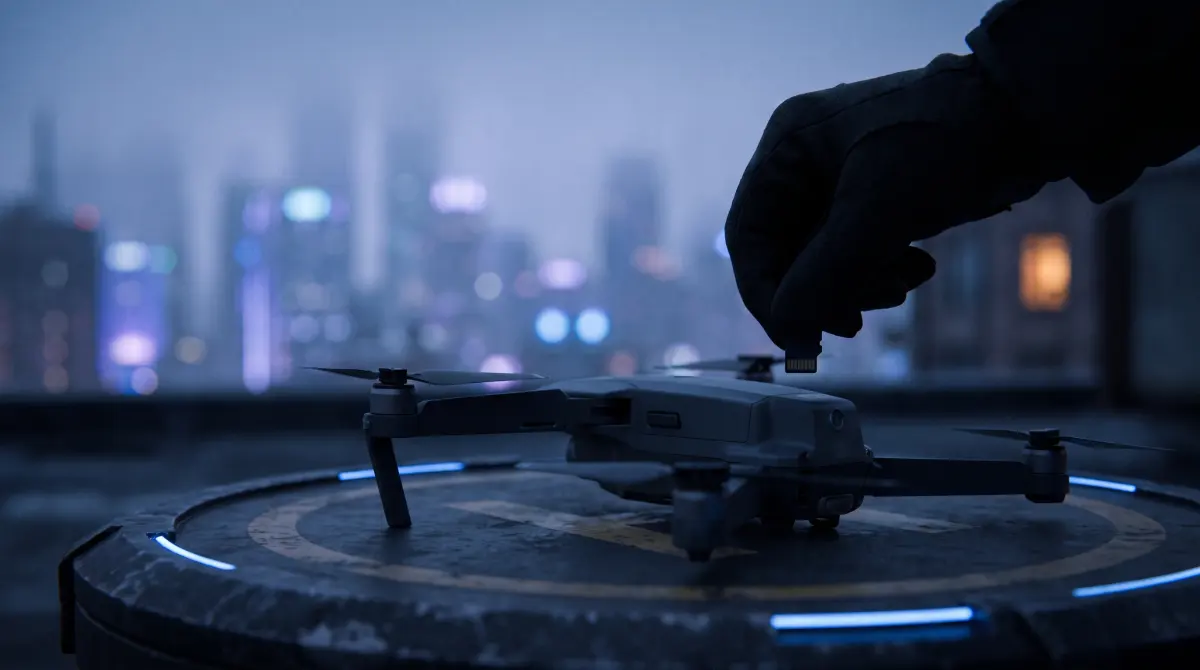
Copsy, a free Mac camera-offload app, is the simplest way to back up DJI drone footage. Pull the microSD out of the drone, drop it in a reader, and Copsy auto-detects it as drone footage, copies every clip to your drive and optionally Google Drive or Dropbox in the same offload, verifies each file with ASC-MHL checksums, and organizes the many short flight clips by date and source — then pings you on Telegram when it's done.
Don't drag drone clips into Finder by hand. Finder copies files but never tells you a clip arrived corrupted. Verified offload plus auto-organize-by-date is the point, and Copsy does it free, no signup.
Download Copsy for Mac → · macOS 13+ · no account needed
Drones record a pile of short clips — that's the real problem
A DJI drone records to a small microSD card (and some recent models carry a bit of internal storage too). The catch isn't the size of the footage. It's the shape. Cameras, drones included, often split a single long recording into multiple files because of file-size or filesystem limits. So one flight doesn't come back as one tidy clip; it comes back as a string of shorter ones, sometimes dozens per card.
Add a couple of flights, a battery swap, and an evening "let's grab one more pass," and your card is now a flat heap of near-identically-named files with no obvious grouping. Drag that into Finder and you've got the same mess on your drive — only now you can't tell which clip belongs to which flight, or whether every file even copied. Most drone footage gets lost in a sloppy manual offload, not in a crash.
Why a Finder drag-and-drop isn't a backup
The Finder happily copies files. What it never does is confirm they arrived intact. A microSD that's been hammered by heat, vibration and constant reformatting can drop a byte mid-copy, and the resulting clip looks fine in the file list right up until it stutters or refuses to open in your edit, usually after you've already wiped the card for the next flight.
That's why professional offload uses checksum verification: a fingerprint is taken of each file on the card and re-checked on the destination, so a bad copy is caught immediately instead of weeks later. Copsy uses ASC-MHL, the American Society of Cinematographers' Media Hash List standard, the same verification used on film sets and for Netflix delivery. It runs on every single clip it copies.
How Copsy backs up DJI drone footage
- Insert the microSD. Pull the card from the drone or its remote, put it in a reader, and connect it to your Mac. Copsy detects the card by its content and recognizes it as drone footage.
- Pick destinations. Choose an external drive as your main backup, and optionally add Google Drive or Dropbox, copied in the same offload during the same offload.
- Copy and organize by date + source. Copsy copies every clip and sorts the footage into folders by date and source, so each flight's clips stay grouped instead of dumped in one pile.
- Verify every clip. Each file is checked with ASC-MHL checksums, bit-for-bit, nothing dropped or corrupted.
- Get pinged, then format. A Telegram message tells you the card is fully copied and verified. Only then is it safe to reformat the microSD in the drone for the next flight.
Where the clips end up
Copsy organizes your offloaded footage into folders by date and by source, so a shoot day reads cleanly instead of as one giant dump of files. The exact folder layout is kept general and predictable on purpose — the goal is that every flight is grouped and findable later, whether you flew one card or five.
A backup is two copies, not one
One copy on a single drive isn't a backup. If that drive dies, so does the footage. Because Copsy can write to an external drive and Google Drive or Dropbox in the same pass, you finish an offload already holding a local copy and a cloud copy. That's a real step toward a proper 3-2-1 backup for footage you usually can't reshoot: drone passes over a one-time event, a sunrise, a location you don't control.
Frequently asked questions
Offload your next flight card for free
Copsy is a free Mac camera-offload app. Verified copies of every clip to a drive and the cloud, organized by date.
Download Copsy for Mac