How to back up GoPro footage on a Mac — and tame those chaptered files
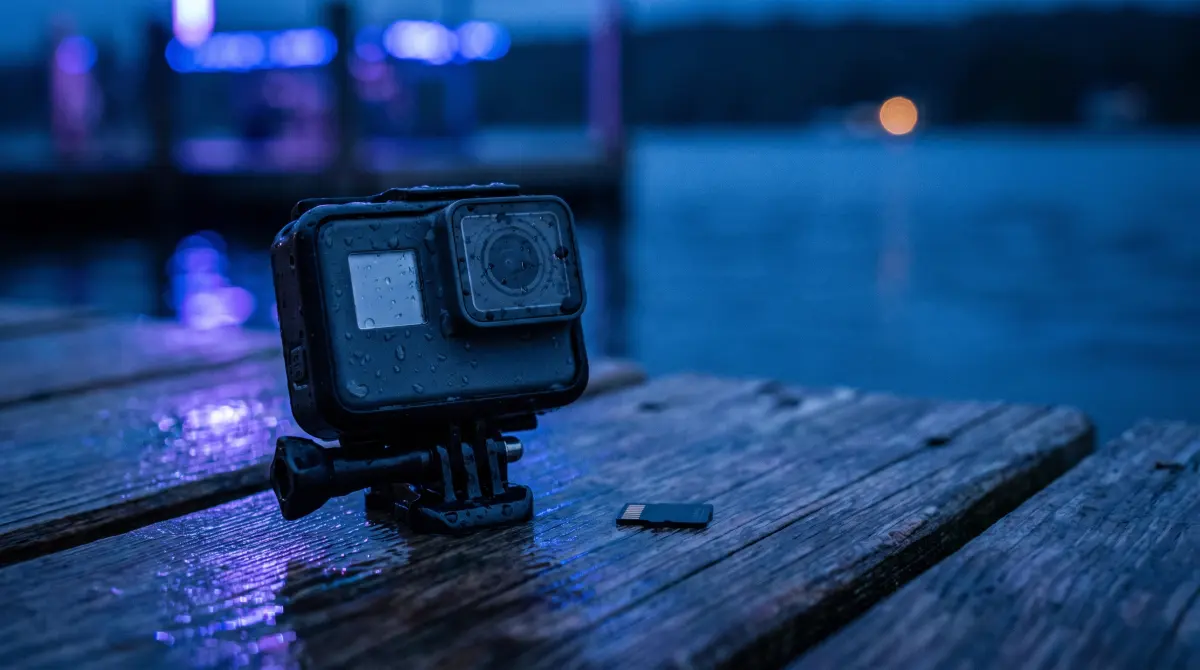
Copsy — a free Mac camera-offload app — is the simplest way to back up GoPro footage. Drop the microSD into a reader, and Copsy auto-detects the card, copies every chaptered .MP4 to your external drive and to Google Drive or Dropbox in the same offload, organizes everything by date and source so the chapters stay together, verifies each file with ASC-MHL checksums, and pings you on Telegram when it's done.
That solves the real GoPro pain: dozens of split files like GX010045.MP4, GX020045.MP4 scattered across a card, copied safely, in order, with proof nothing was lost. Free, no card limit, no signup.
Download Copsy for Mac → · macOS 13+ · no account needed
Why GoPro makes so many files
GoPro doesn't save one tidy clip per recording. It writes chaptered files — your footage is split into several .MP4 files named like GX010045.MP4, GX020045.MP4, GX030045.MP4. There are two reasons for this:
- File-system limits. On a FAT32-formatted card, a single file maxes out at 4 GB, so long takes get split. (exFAT-formatted high-capacity cards allow larger chapters on newer HERO bodies, but most cards still chapter.)
- Crash protection. If the battery dies or the camera takes a jolt, only one chapter is at risk instead of the whole recording.
It's intentional, and GoPro says there's no way to fully turn it off. After a day of shooting you can easily come back with hundreds of .MP4 chapters spread across one card. Copying those by hand in Finder is where footage gets lost, re-ordered, or silently corrupted. A proper offload is exactly what prevents that.
What a GoPro records (and why verification matters)
GoPro cameras record HEVC (H.265) or H.264 to a microSD card, usually as .MP4. Those are heavily compressed files, which means a single flipped bit can break decoding for an entire chapter. A plain Finder drag copies the bytes but never checks them, so a bad chapter can sit unnoticed until you try to edit. That's why every chapter is worth verifying, not just copying.
The reliable way: offload → organize → verify
Professionals don't drag camera cards into a folder. They run a verified offload: detect the card, copy it to at least one destination, organize it, then checksum every file against the original. Copsy does all four for GoPro footage automatically, and it works with any card it can read, not just GoPro.
What Copsy does for a GoPro card
- Auto-detects the microSD by content the moment you plug it in.
- Copies every chapter to an external drive — and optionally Google Drive or Dropbox in the same offload.
- Organizes by date + source, so all chapters from one recording stay grouped and in order (original
GX0…names preserved). - Verifies with ASC-MHL checksums — the film-set / Netflix-delivery standard — so each chapter is proven bit-for-bit.
- Pings you on Telegram when it's done and verified, so you can walk away.
Step-by-step: back up a GoPro card on your Mac
- Insert the microSD. Eject it from the GoPro and put it in a card reader connected to your Mac. Copsy detects it by content.
- Pick destinations. Choose an external drive, plus optionally Google Drive or Dropbox — copied in the same pass.
- Copy and organize. Copsy copies every chaptered
.MP4and sorts the footage into folders by date and source, keeping chapters together. - Verify. Copsy checksum-verifies each file against the original with ASC-MHL. Nothing was dropped or corrupted.
- Get pinged, then format. A Telegram message confirms a clean, verified offload. Only then reformat the card in the GoPro for the next shoot.
Copsy vs the other ways to back up a GoPro card
| Method | Copsy | Finder drag | OffShoot (was Hedge) |
|---|---|---|---|
| Price | FREE | FREE | ~$169–$249 PAID |
| ASC-MHL checksum verification | ✓ every file | ✗ none | ✓ |
| Auto-detect the card | ✓ | manual | partial |
| Organize chapters by date + source | ✓ | you do it | ✓ |
| Copy to a drive AND cloud (Drive/Dropbox) in the same offload | ✓ | ✗ | drives (cloud in Pro) |
| Telegram notification when done | ✓ | ✗ | ✗ |
| No signup / no account | ✓ | ✓ | ✓ |
| Platform | macOS 13+ | macOS | macOS / Windows |
OffShoot is the current name of Hedge (rebranded 2024) and remains an excellent, battle-tested tool trusted on big productions; OffShoot Pro adds cloud and scripting. Tusk (~$49–$79) is a cheap, decent Mac offload app, and Red Giant Offload (~$99) is a simple paid option. Pricing changes — figures above were last verified June 2026.
A note on the 3-2-1 rule
One drive copy is a single point of failure, not a backup. The classic 3-2-1 rule (three copies, two media types, one off-site) is why Copsy can write to a drive and the cloud in the same pass. For GoPro footage you can't re-shoot, that parallel cloud copy is the difference between "annoying" and "gone." See our guide on 3-2-1 backup for video footage.
Frequently asked questions
GX010045.MP4, GX020045.MP4) for two reasons: file-system size limits — FAT32 cards cap a single file at 4 GB — and crash protection, so a dead battery or jolt only affects one chapter instead of the whole clip. It's intentional and can't be fully turned off, though exFAT-formatted high-capacity cards allow larger chapters on newer HERO bodies..MP4 to an external drive (and optionally Google Drive or Dropbox in the same offload), organizes them by date and source so the chapters stay grouped, and verifies each file with ASC-MHL checksums. It's free, with no signup.GX01…, GX02…) are preserved, which is what keeps chapters in sequence in your editor.Back up your next GoPro card the safe way
Copsy — a free Mac camera-offload app. Every chapter copied, organized and verified to a drive and the cloud.
Download Copsy for Mac