Back up ARRI footage on a Mac — free and verified
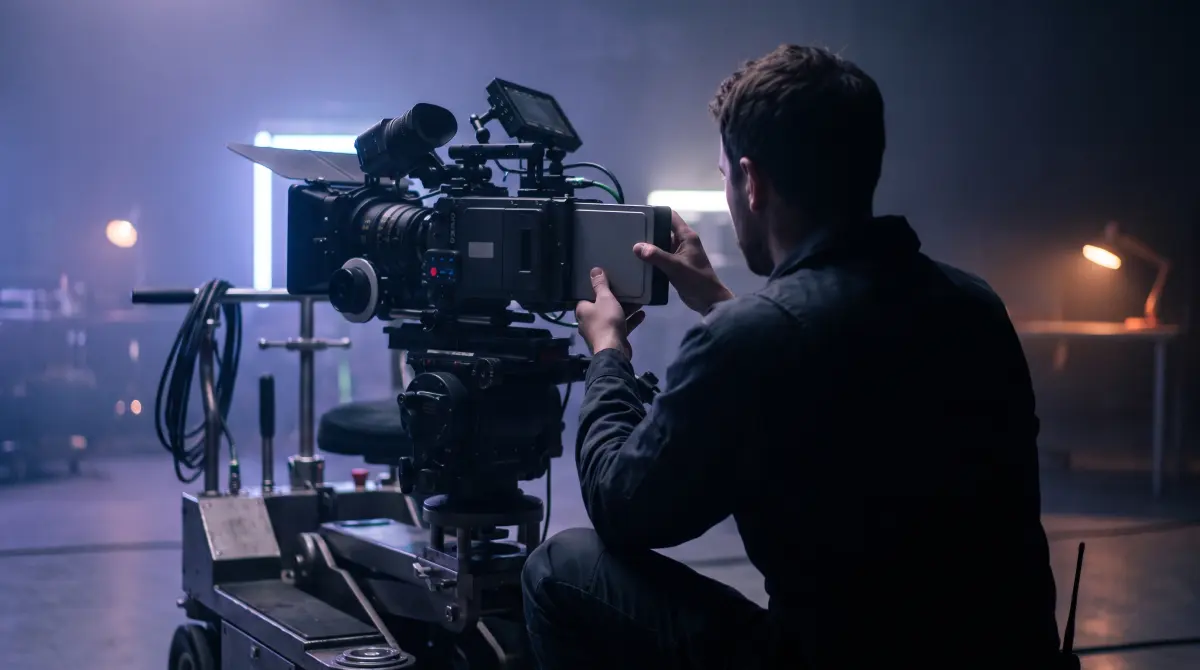
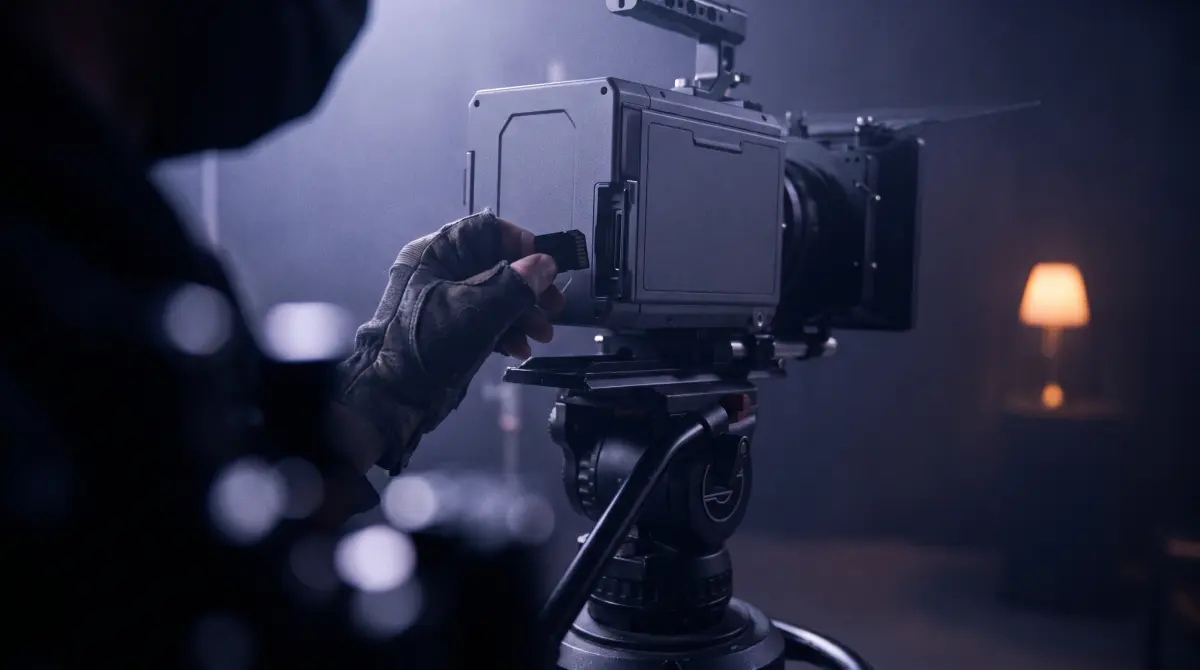
Copsy is a free Mac app for backing up ARRI footage. Connect a Codex Compact Drive, SXR or CFexpress card from an Alexa Mini, Mini LF, Alexa 35, Alexa LF or Amira, and Copsy detects the ARRI media by content, copies ARRIRAW (.mxf) or Apple ProRes to your drive and to Google Drive or Dropbox in the same offload, verifies every file with ASC-MHL checksums, and organizes it all by date and source — then pings you on Telegram when it's done.
No card limit, no signup, no paywall. macOS 13+.
Download Copsy for Mac → · macOS 13+ · no account needed
Why ARRI offloads deserve real verification
ARRI media is dense and expensive to re-shoot. A single Codex Compact Drive or CFexpress card from an Alexa 35 can hold hundreds of gigabytes of ARRIRAW (.mxf) or high-bitrate Apple ProRes, and that footage usually exists in exactly one place until it's safely on a drive. Dragging it across in Finder gives you no proof the copy is bit-for-bit identical. ARRIRAW files are big enough that a silent read error or a dropped block can go completely unnoticed until the edit.
That's why on-set offloads use checksum verification. Copsy gives ARRI shooters the part that actually matters every shoot day, and it's free: detect the card, copy it to a drive (and the cloud), and verify every file.
Which ARRI cameras and media Copsy handles
Copsy recognizes ARRI media by its content, not by the volume name, so it works the same whether the footage came off a reader or a docked drive. That covers the common ARRI workflows:
- Alexa Mini / Mini LF — ARRIRAW and ProRes on Codex Compact Drive (CFast on the original Mini).
- Alexa 35 — Codex Compact Drive / Codex CFexpress, ARRIRAW (.mxf) and ProRes.
- Alexa LF — Codex SXR Capture Drive (via the SXR dock).
- Amira — CFast 2.0 cards, ProRes.
Because detection is by content, an ARRIRAW .mxf set is treated as an ARRI source — never mistaken for a destination disk — so it always copies the right direction.
How Copsy backs up an ARRI card
- Plug in the Codex / CFexpress reader. Copsy detects the ARRI media by content and recognizes it as an ARRI source.
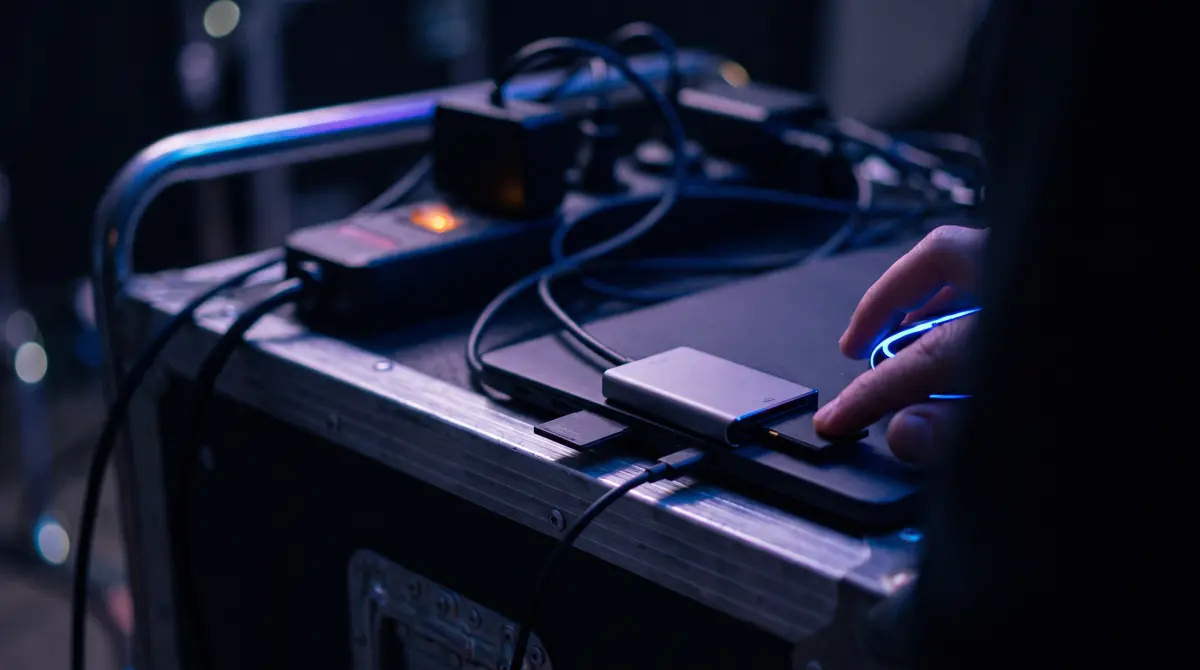
- Pick destinations. An external backup drive, plus optionally Google Drive or Dropbox — copied in the same offload.
- Copsy copies and verifies. It organizes the footage by date and source, then ASC-MHL-checks every ARRIRAW and ProRes file bit-for-bit.
- Get the Telegram ping. A message tells you the card finished and verified — nothing lost — so you can wipe and reload with confidence.
What Copsy does for ARRI media
- Detects ARRI by content — Codex Compact Drive, SXR and CFexpress media recognized automatically as an ARRI source.
- Parallel drive + cloud — copies ARRIRAW / ProRes to an external drive and Google Drive or Dropbox in the same pass.
- ASC-MHL verification — every file checksum-verified bit-for-bit before you trust the backup.
- Organized by date & source — clips filed by shoot date and ARRI source so the card is easy to find later.
Where Copsy stops being the right tool
Copsy is built for one job, offloading and verifying, and it's honest about its limits. It's macOS-only — there's no Windows build. It does not do LTO/LTFS tape archiving, and it has no NLE panel integration for Premiere or Resolve. If your ARRI pipeline depends on tape archiving or an editing-app panel, you'll want a dedicated archive or DIT suite alongside it. For the daily "copy this card safely and prove it" task, Copsy covers it for free.
Frequently asked questions
Offload your next card for free
Copsy — a free Mac camera-offload app. Verified copies to a drive and the cloud, nothing lost.
Download Copsy for Mac