How long does it take to offload a card?
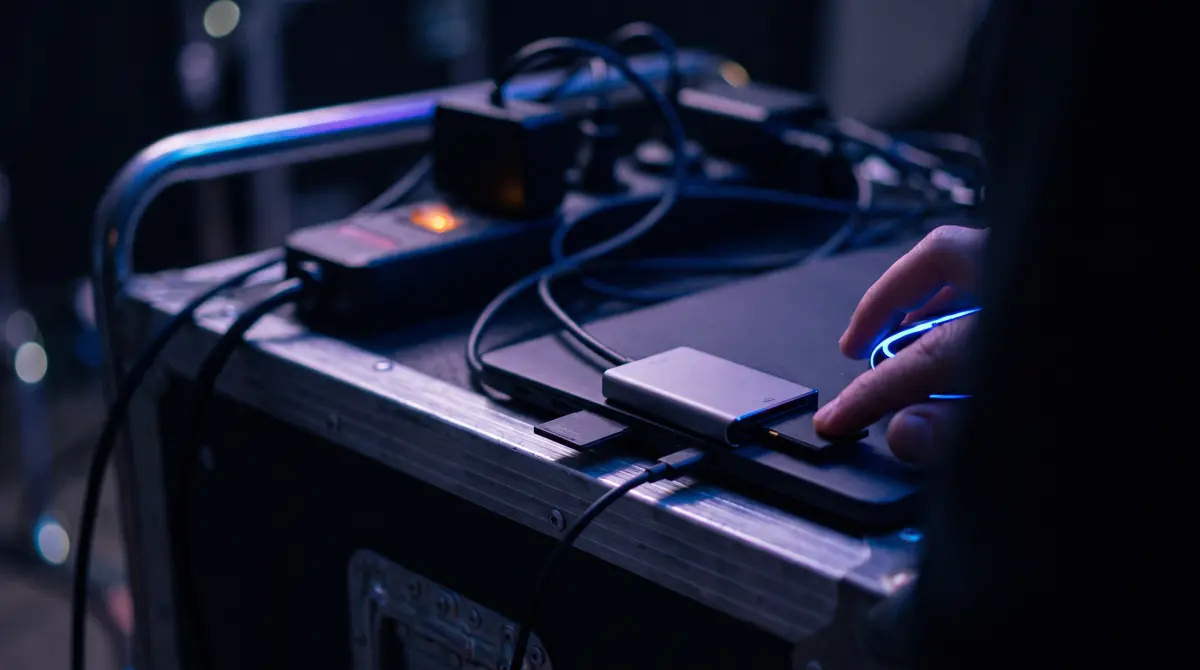
Offload time is bounded by the slower of two things: how fast your card reads and how fast your destination drive writes. Rough math: a 128 GB card at SD UHS-II speeds (~150 MB/s) copies in about 15 minutes; the same 128 GB over CFexpress (~800 MB/s) can copy in about 3 minutes, but only if the destination can keep up. A slow external HDD often caps everything at 80–120 MB/s regardless of how fast the card is.
Verification adds a read pass on top. It's worth it because it proves nothing was lost. Copying to the cloud runs in the same offload, so it doesn't hold up your local backup.
Download Copsy for Mac → · macOS 13+ · no account needed
The one rule: you're limited by the slowest link
Every offload moves data through a chain: card → reader → port → Mac → destination drive. The whole thing runs no faster than the slowest part in that chain. People obsess over card speed, but in practice the destination drive is the bottleneck more often than the card. A blazing CFexpress card copied onto a budget USB hard drive will copy at the hard drive's speed, not the card's.
So before timing anything, ask: which link is slowest right now? That's your real offload speed. Fix that link and the whole offload gets faster; upgrade anything else and nothing changes.
The read/write math, roughly
Copy time is just data ÷ throughput. To go from megabytes-per-second to "minutes for this card," divide gigabytes by (MB/s ÷ 1000), then by 60. A few real-world reference points:
- SD UHS-I: ~90 MB/s read — common cheaper cards.
- SD UHS-II: ~150–250 MB/s read — most modern fast SD.
- CFexpress Type B: ~800–1700 MB/s read — high-end / cinema cards.
- Budget USB HDD destination: ~80–120 MB/s write — the usual hidden cap.
- External SSD destination: ~400–1000 MB/s write — keeps up with fast cards.
Those are headline numbers from the manufacturer; sustained real-world speed is usually a bit lower, and small files copy slower than one big clip because of per-file overhead.
Rough offload times by card size and interface
| Card size | CFexpress (~800 MB/s) | SD UHS-II (~150 MB/s) | Slow HDD destination (~100 MB/s) |
|---|---|---|---|
| 64 GB | ~1.5 min | ~7 min | ~11 min |
| 128 GB | ~3 min | ~15 min | ~22 min |
| 256 GB | ~5 min | ~29 min | ~43 min |
| 512 GB | ~11 min | ~57 min | ~86 min |
Illustration only. Real speed depends on the slowest link in the chain — a fast CFexpress card copied to the slow HDD in the last column lands in that column's times, not the first. Verification adds a read pass on top of these figures. Last verified June 2026.
Why verification adds a pass
A plain copy just writes the bytes and trusts they arrived. A verified offload re-reads what was written and compares ASC-MHL checksums against the source, so it can prove each file copied bit-for-bit with nothing dropped or corrupted. That re-read is essentially a second pass over the data, which is why a verified offload takes longer than a Finder drag.
It's the difference between "I copied it" and "I can prove it's intact." On a paid job, that proof is the whole point. A silently corrupted clip you discover in the edit is far more expensive than a few extra minutes on set. Copsy verifies with ASC-MHL by default, the same checksum standard used for film-set and Netflix-style deliveries. What ASC-MHL is →
Cloud copies run in the same offload — they don't hold you up
A common worry is that adding a Google Drive or Dropbox backup doubles your wait. It doesn't, because Copsy copies to your external drive and to the cloud in the same offload, not one after the other. Your local verified backup finishes at drive speed and you're free to pull the card; the cloud copy then keeps uploading in the background, bounded by your internet upload speed (usually the slow link for off-site backup, but it's running unattended, so it doesn't cost you on-set time).
How to make offloading faster
Speed up the slowest link, in order
- Use a fast reader on a fast port. A UHS-II or CFexpress reader over USB 3.2 / Thunderbolt — not a slow built-in card slot or an old USB 2.0 hub.
- Write to an SSD, not a spinning HDD. The destination drive is the most common bottleneck; an external SSD can keep up with fast cards where a budget HDD caps everything at ~100 MB/s.
- Hash on the fly. Copsy checksums files while it copies where it can, so verification adds less overhead than copying first and hashing afterward.
- Offload bigger clips when you can. Many tiny files copy slower than one large file due to per-file overhead.
Get all the links fast and the card itself becomes the limit again, which is exactly where you want to be.
A note on what Copsy is (and isn't)
Copsy is a free macOS app (macOS 13+). It auto-detects the card by content (Sony, ARRI, RED, Blackmagic, Canon, drones, audio recorders), copies to an external drive and optionally Google Drive or Dropbox in the same offload, verifies with ASC-MHL, organizes by date and source, and pings you on Telegram when it's done. It is Mac-only (no Windows), and it does not do LTO/LTFS tape archiving or NLE panel integrations. For straightforward, verified card offloads, that's the whole job, and it's free. How to offload a card with Copsy →
Frequently asked questions
Offload your next card for free
Copsy — a free Mac camera-offload app. Verified copies to a drive and the cloud, nothing lost.
Download Copsy for Mac