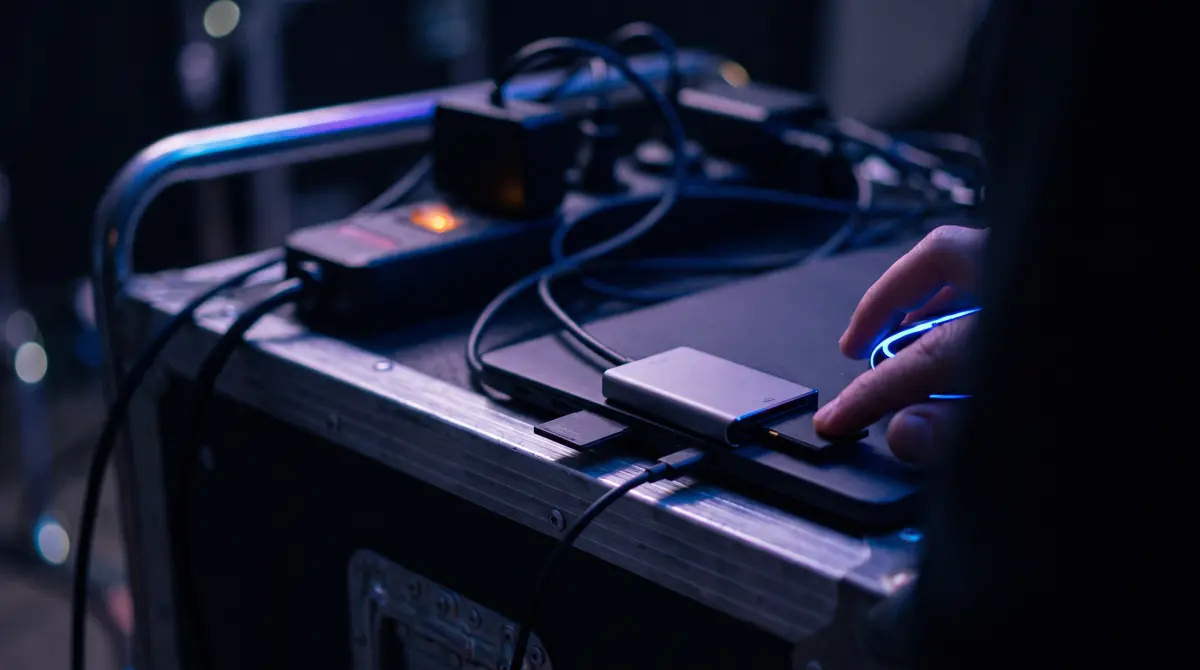
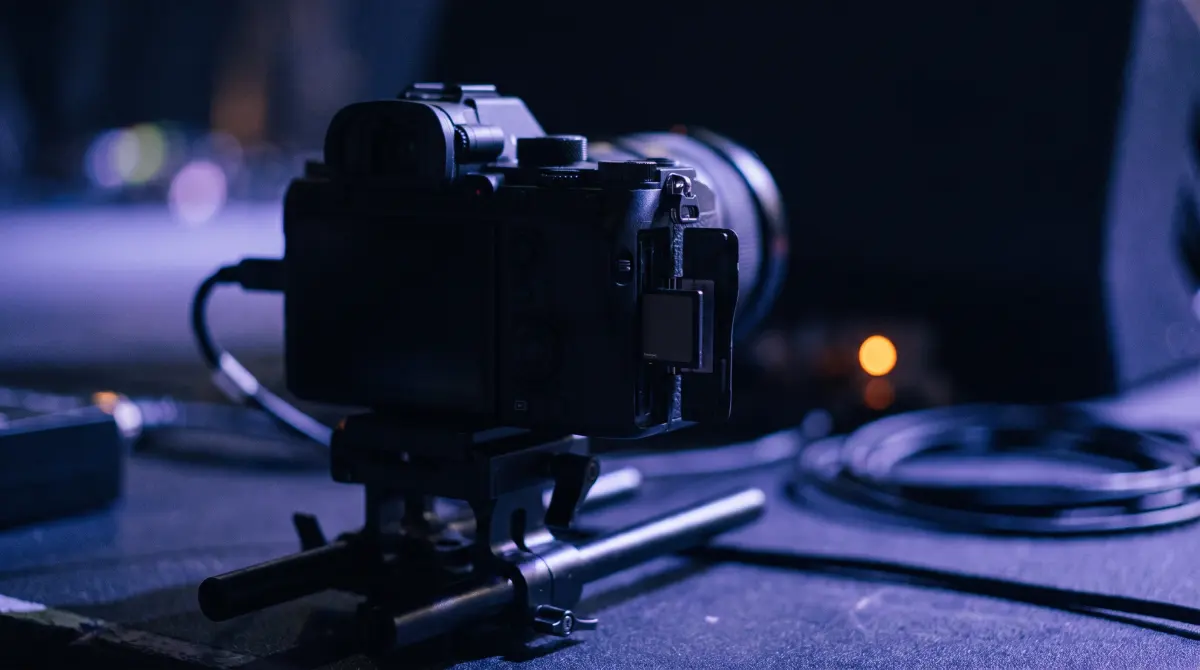
SD card vs CFexpress: Type A vs Type B, speed & offloading explained
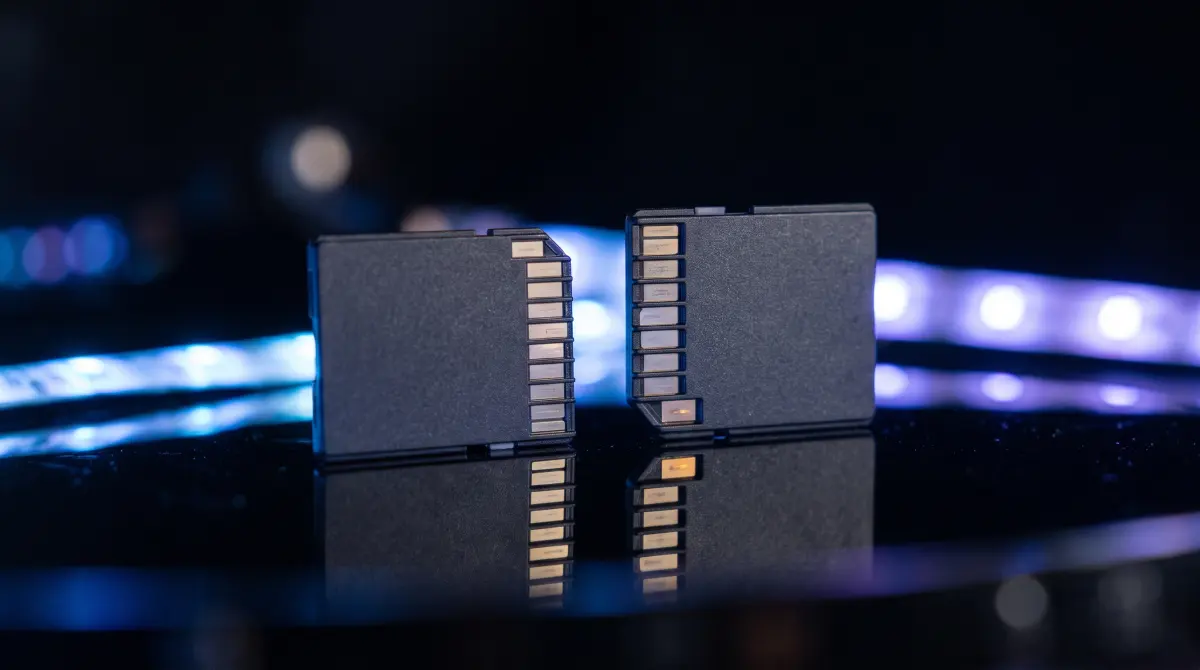
SD (including fast UHS-II) is the older, smaller, cheaper standard — real-world speeds usually top out around 250–300 MB/s. CFexpress is a newer NVMe format that's far faster: Type A (Sony, smaller, one PCIe lane) reads around 700–800 MB/s, and Type B (Nikon, Canon, cinema cameras, larger, two PCIe lanes) reads around 1,700 MB/s or more. The card your camera takes is fixed by its slot — they're not interchangeable.
For offloading and backup the workflow doesn't change with card type: detect, copy, verify, organize. Faster cards just finish sooner. Copsy — a free Mac camera-offload app reads any of these cards, copies to a drive plus the cloud in the same offload, and verifies every file with ASC-MHL checksums, free.
Download Copsy for Mac → · macOS 13+ · no account needed
The three card types you'll actually meet
Walk onto almost any modern set or shoot and the footage lives on one of three card families. They look different, cost very differently, and move data at very different speeds. The job once you pull the card is the same either way: get it copied somewhere safe and verified before you reformat.
- SD / UHS-II SD — the familiar postage-stamp card. Cheap, ubiquitous, slower. UHS-II adds a second row of pins for higher speed. (microSD is the same family in a smaller body, used by GoPro and drones.)
- CFexpress Type A — small, roughly SD-sized, but NVMe inside. Used almost exclusively by Sony. One PCIe lane.
- CFexpress Type B — larger card (it physically replaced the old XQD slot on many cameras). Two PCIe lanes, the fastest of the three. Used by Nikon, Canon, Panasonic and many cinema bodies.
Speed: what the numbers mean in practice
Card speed matters in two places. First, write speed has to keep up with the camera's bitrate while recording, which is why an 8K or RAW mode often demands CFexpress and refuses to run on a slow SD card. Second, read speed governs how fast you can offload at the end of the day. A 256 GB CFexpress Type B card emptied at full speed can be done in minutes; the same data off a UHS-II SD card takes several times longer.
Two honest caveats. Quoted speeds are peak sequential numbers from the manufacturer, and sustained real-world transfer is lower, especially with lots of small files. Your slowest link also wins: a fast card in a cheap USB-A reader will crawl. To see real CFexpress speed you want a USB 3.2 Gen 2, USB4 or Thunderbolt reader.
SD vs CFexpress Type A vs Type B — comparison table
| Card type | SD / UHS-II | CFexpress Type A | CFexpress Type B | Offload with Copsy |
|---|---|---|---|---|
| Typical read speed | ~250–300 MB/s (UHS-II) | ~700–800 MB/s | ~1,700+ MB/s | ✓ any of them |
| Interface | UHS-II bus | NVMe · 1 PCIe lane | NVMe · 2 PCIe lanes | reads whatever mounts |
| Physical size | SD (small) | ~SD-sized | Larger (was XQD slot) | — |
| Relative cost | Lowest | High | High | FREE |
| Common cameras | Many mirrorless, GoPro/drone (microSD), Lumix, Fujifilm | Sony FX3 / FX6 / A7S III / A1 | Nikon Z8 / Z9, Canon, Panasonic, cinema cams | auto-detected |
| Reader needed for full speed | UHS-II reader | USB 3.2 Gen 2+ Type-A reader | USB 3.2 Gen 2 / USB4 / TB reader | whatever you have |
| ASC-MHL verified copy | manual | manual | manual | ✓ built-in |
| Drive + cloud in the same offload | — | — | — | ✓ |
Speeds are approximate peak figures and vary by brand, model and reader; sustained transfer is lower. Last verified June 2026 — check the card manufacturer's spec sheet for your exact card.
Which card does my camera use?
You don't choose the type — the slot does. A few common ones, kept general (always confirm against your camera's manual):
- Sony — bodies like the FX3, FX6, A7S III and A1 use CFexpress Type A (their slots also accept SD UHS-II as a fallback).
- Nikon Z8 / Z9 — CFexpress Type B, recording N-RAW, ProRes RAW and H.265.
- Canon — many higher-end bodies use CFexpress Type B.
- Panasonic LUMIX (GH / S series) — SD and on some bodies CFexpress, recording .MOV/.MP4, often V-Log.
- Fujifilm (X / GFX) — SD and CFexpress, .MOV including ProRes on some bodies.
- GoPro — microSD, HEVC/H.264 .MP4, frequently many chaptered clips.
What card type means for offloading
Once the shoot is over, the card type changes how long the copy takes, not how you should do it. The safe routine is the same on a $20 SD card and a $400 CFexpress Type B:
- Detect the card and recognize the camera/source.
- Copy every file to a destination — a real copy, not a Finder drag you're hoping completed.
- Verify each file with checksums, so you know it landed bit-for-bit.
- Organize by date and source so you can find it later.
Why "fast card" is not the same as "safe copy"
A fast CFexpress card finishes the transfer sooner. But speed tells you nothing about whether the copy is correct. A dropped byte or a half-written file looks fine in Finder and only bites you in the edit. That's why professional offload runs a checksum on the source and the destination and compares them. Copsy does that verification automatically on every card, regardless of type, using ASC-MHL checksums (the same film-set / Netflix-delivery standard) and only then tells you it's safe to reformat.
Offload any card, verified, for free
Copsy reads any card your Mac can mount — SD/UHS-II, CFexpress Type A, CFexpress Type B, microSD — auto-detects the camera or source by content, copies the footage to an external drive and optionally Google Drive or Dropbox in the same offload, verifies every file with ASC-MHL checksums, organizes by date and source, and pings you on Telegram when it's done. No signup, no card limit, free.
If you want to go deeper on the verify step, see how to verify a file copy on a Mac and checksum vs Finder copy.
Frequently asked questions
Offload any card for free
Copsy — a free Mac camera-offload app. SD, CFexpress Type A or Type B — detected, copied to a drive and the cloud, and verified.
Download Copsy for Mac