How to back up a Panasonic LUMIX card on Mac

Copsy (a free Mac camera-offload app) is the safe way to back up Panasonic LUMIX footage. Insert your GH6, GH7, S5 or S5II SD or CFexpress card, and Copsy auto-detects it, copies every .MOV / .MP4 clip (including V-Log) to your drive and to Google Drive or Dropbox in the same offload, verifies each file with ASC-MHL checksums, organizes it by date and source, and pings you on Telegram when it's done. It's free, with no card limit and no signup.
The point is the workflow: detect → copy → verify → organize, so you can format your card knowing nothing was silently lost.
Download Copsy for Mac → · macOS 13+ · no account needed
Why a LUMIX card needs more than a Finder drag
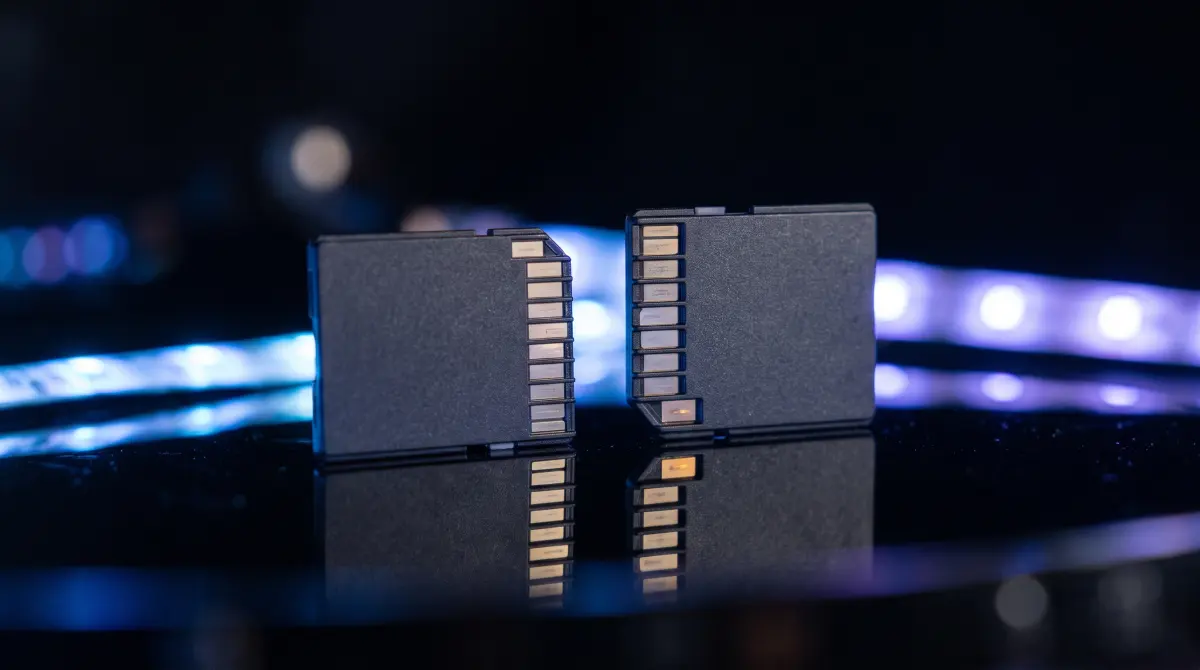
Panasonic LUMIX bodies in the GH series (GH6, GH7) and S series (S5, S5II, S5IIX) are workhorse shooters built for high-bitrate recording, V-Log and long takes. That footage usually lands on an SD card, and on newer bodies often a CFexpress Type B card, as .MOV or .MP4 files. A single full card can be hundreds of gigabytes of irreplaceable takes.
Dragging those clips across in Finder looks fine, but Finder never tells you whether each file arrived intact. A dropped byte, a flaky reader or a marginal card can corrupt a clip with no warning at all. You only find out in the edit, after the card is wiped. A proper offload verifies every file against a checksum so a bad copy is caught immediately, while the source still exists.
What "verified" actually means
Copsy uses ASC-MHL checksums — the same Media Hash List standard used on film sets and for Netflix deliveries. Each file is hashed on the card and re-hashed on the destination; if a single bit differs, Copsy flags it instead of letting you format a corrupt copy. That's the difference between "I copied it" and "I know it's good."
How to back up a LUMIX card with Copsy
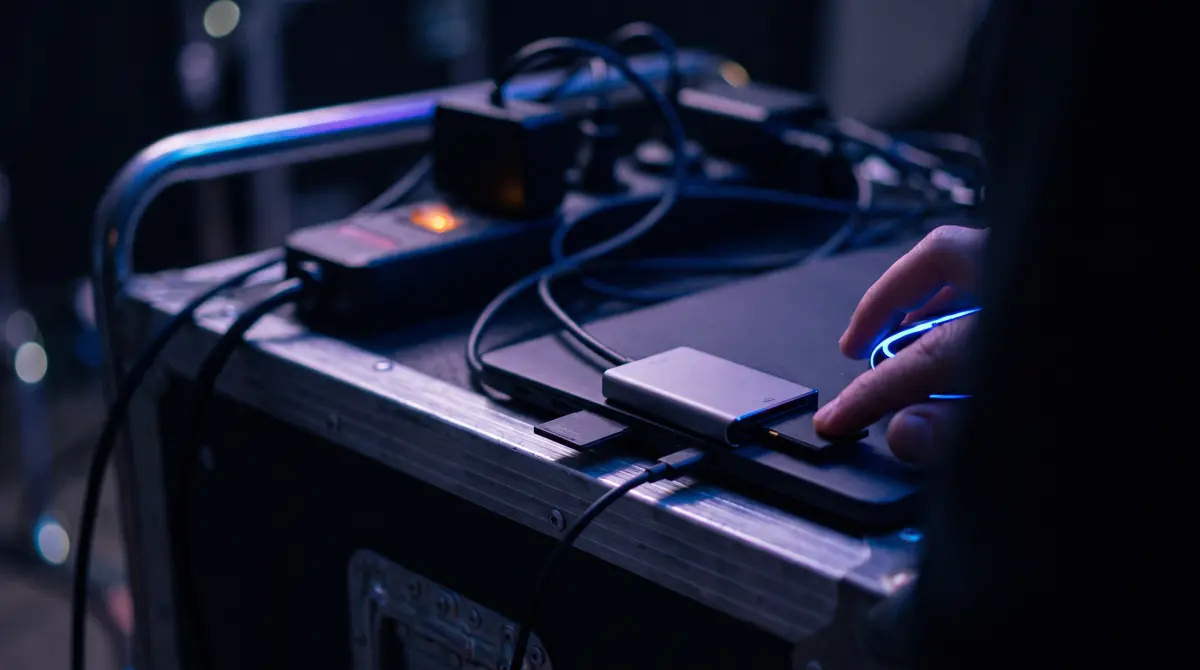
- Insert the card. Put your LUMIX SD or CFexpress card in a reader and connect it to the Mac. Copsy detects the card by its contents, so there's no fiddling with which body it came from.
- Pick destinations. Choose an external drive, and optionally Google Drive or Dropbox — copied in the same offload.
- Copy + verify. Copsy copies every clip, organizes it by date and source, and verifies each file with ASC-MHL checksums.
- Get pinged, then format. A Telegram message confirms it finished and verified. Once you've checked the copy on your drive, format the card in the LUMIX body for the next shoot.
Note: LUMIX folder structures, codecs and supported cards vary by body and firmware — check your model's manual for specifics. Copsy treats the footage generally: it copies and verifies whatever the card holds.
Copsy vs other ways to back up a LUMIX card
| Method | Copsy | Finder drag | OffShoot (was Hedge) |
|---|---|---|---|
| Price | FREE | FREE | ~$169–$249 PAID |
| ASC-MHL checksum verification | ✓ built-in | ✗ not verified | ✓ |
| Auto-detect the card by content | ✓ | — | partial |
| Copy to a drive AND cloud (Drive/Dropbox) in the same offload | ✓ | manual, one at a time | drives only |
| Organize by date + source | ✓ | — | ✓ |
| Telegram notification when done | ✓ | — | — |
| Platform | macOS 13+ | macOS | macOS / Windows |
Pricing and features change — figures above were last verified in June 2026. Check each vendor's site for current details. OffShoot is the current name of Hedge (rebranded 2024).
Other free tools, honestly
Copsy isn't the only free option, and it's worth knowing the alternatives. DaVinci Resolve's Clone Tool is free and verifies copies with xxHash — great if you already live in Resolve, though it copies to drives only. MhlFileVerify is free but verify-only (it checks an existing copy rather than performing the offload). And Terminal's shasum works but is fully manual. What sets Copsy apart is that it bundles the whole loop into one free app with no signup: auto-detect, parallel drive + cloud copy, ASC-MHL verify, organize, and a Telegram ping.
Among paid tools, OffShoot (formerly Hedge, ~$169–$249), Tusk (~$49–$79, a genuinely tidy little Mac offloader), Red Giant Offload (~$99) and YoYotta (~$110/yr+, powerful for LTO/LTFS workflows) are all solid. If you need Windows, LTO archiving or NLE-panel integrations, those earn their price. For the core copy-and-verify job on a LUMIX card, Copsy does it for free. Prices last verified June 2026 — confirm on each vendor's site.
Don't format until it's verified
The safest habit on any LUMIX shoot: never format a card until you have a verified copy in at least one place — ideally two, following the 3-2-1 rule. Copsy's parallel drive + cloud copy gives you a head start on that automatically. When you do format, do it in the camera, not on the Mac, so the body writes the file structure it expects for the next recording.
Frequently asked questions
Offload your next LUMIX card for free
Copsy — a free Mac camera-offload app. Verified copies of your GH and S series footage to a drive and the cloud, nothing lost.
Download Copsy for Mac