
Best free camera offload software for Mac
Copsy, Stow, BitMatch, Ingesto, FilmCan and Resolve's Clone Tool ranked, and the one free app that also backs up to the cloud.
The Copsy blog · updated Nov 1, 2026
Guides, honest comparisons and camera-by-camera workflows for getting footage off the card safely. Written by a working DIT.
Copsy, Stow, BitMatch, Ingesto, FilmCan and Resolve's Clone Tool ranked, and the one free app that also backs up to the cloud.
Copy the whole card to two places, verify every file with checksums, organize by date and never format until both copies check out.
ASC-MHL is the film industry's standard for proving footage copied bit for bit; here's how it works and why blind copies are risky.
Workflows, checklists and the reasoning behind a safe offload.
An iPhone and iPad companion in development that shows the Mac's offload progress over your Wi-Fi and can start, cancel or eject.
Copy the whole card to two places, verify every file with checksums, organize by date and never format until both copies check out.
ASC-MHL is the film industry's standard for proving footage copied bit for bit; here's how it works and why blind copies are risky.
Three copies, two kinds of media, one off-site: what the 3-2-1 rule means for footage and why one drive is never a backup.
A Finder drag never reads files back, so silent corruption slips through; a checksum copy proves every file matches the card.
A data wrangler offloads and verifies camera media, while a DIT also handles color, looks, QC and dailies.
What a checksum proves, how to run shasum in Terminal for one file, and how to verify a whole camera card automatically.
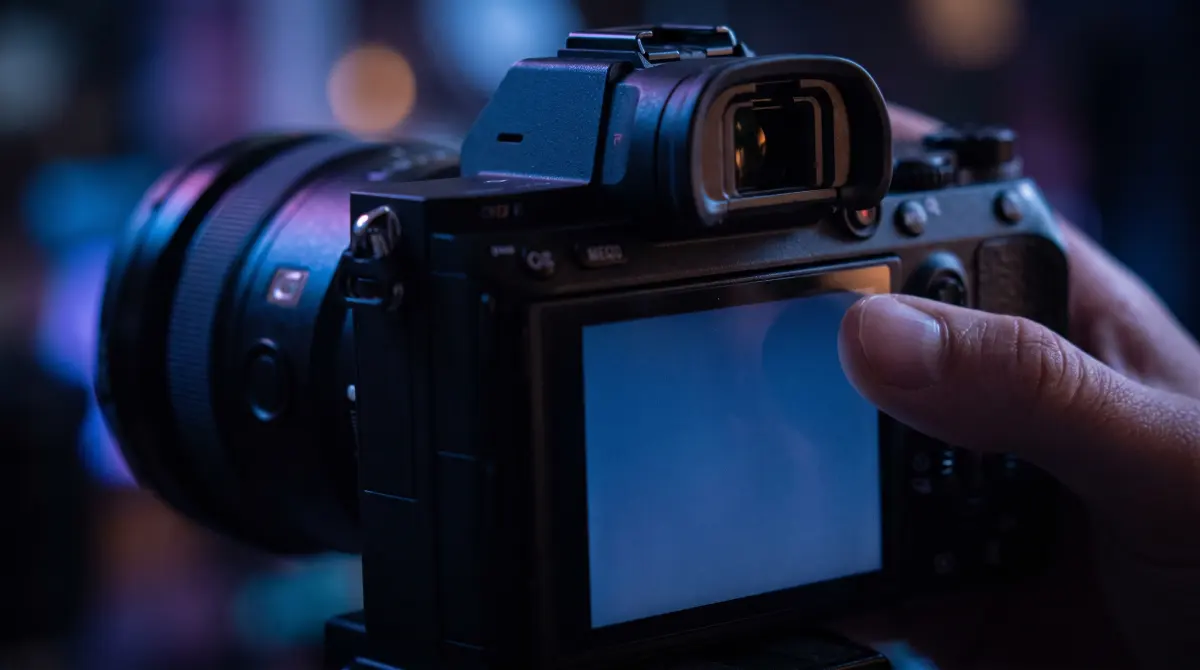
Format only after a verified offload and a second backup both exist, and always do it in the camera, not on the computer.
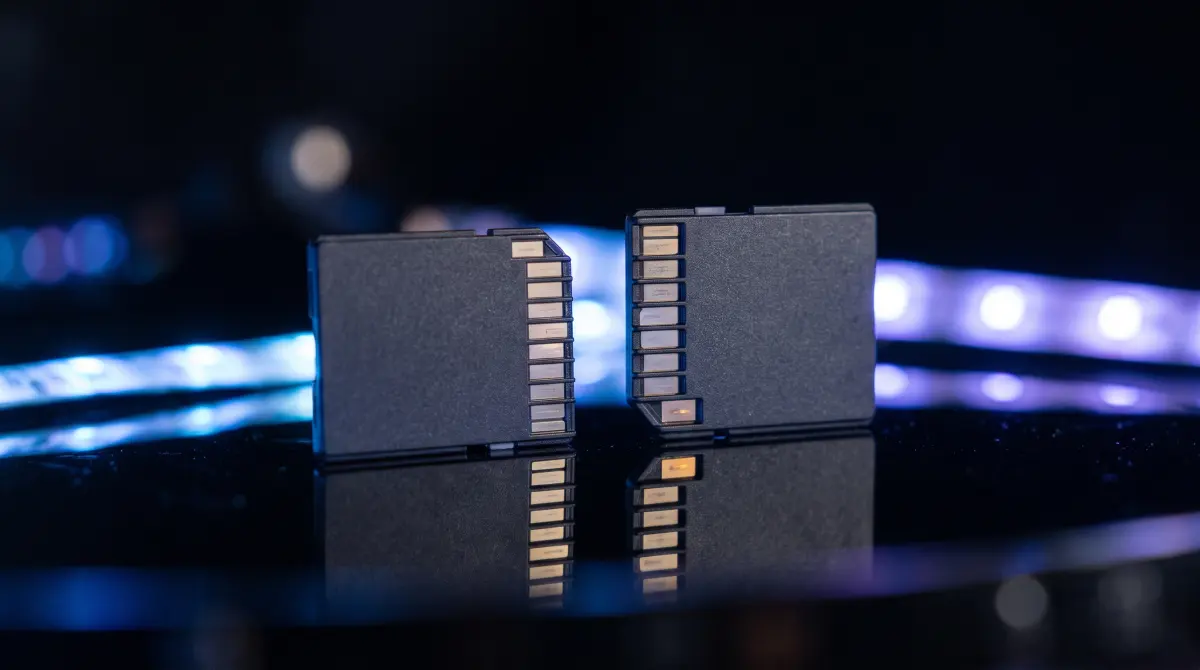
SD UHS-II, CFexpress Type A and Type B compared on speed, camera support and what each means for offloading on a Mac.
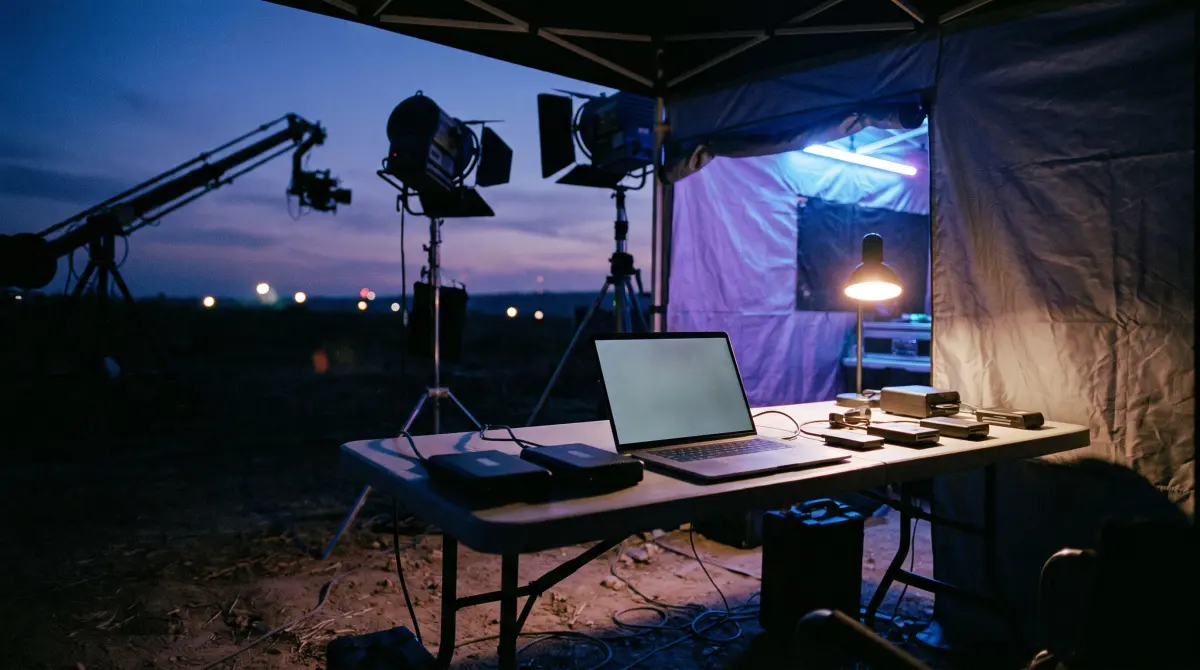
A working DIT's on-set routine: two verified copies, ASC-MHL checksums, labeled drives and no formatting until it all checks out.
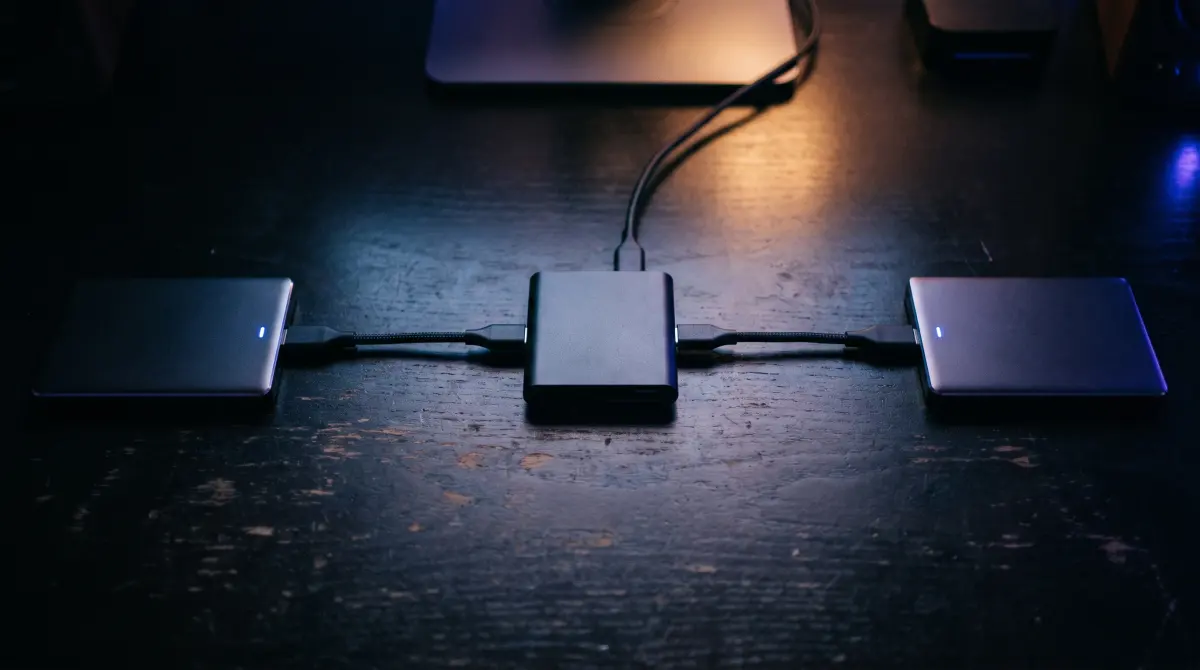
One drive isn't a backup, so copy the card to two destinations at once on a Mac and verify both copies.
A repeatable folder structure of ISO date, then camera, then card, and why consistent naming keeps editorial on track.
Six steps for every card: detect, copy to two places, verify with ASC-MHL, organize, label, and confirm before you format.
xxHash catches a bad copy as reliably as MD5 or SHA and runs much faster, which is why DITs use it to verify footage.
A finished copy isn't always a correct one; comparing checksums of every file on the card and the copy is the only real proof.
Offload time depends on the slower of card read and drive write speed; here's the math for SD vs CFexpress and how to speed up.
The card is rarely the bottleneck: pick the right reader and drive, and avoid software that reads the card twice to verify.
A card that won't mount is usually a reader, cable, port or Finder setting; check them in order, then offload before anything else.
Six repeatable stages: offload, verify with ASC-MHL, keep 3-2-1 copies, organize, track every card and hand off to editorial.

A beginner's step-by-step for getting clips from an SD or CFexpress card onto a Mac, and why a Finder drag verifies nothing.

Copsy copies the card to your drive, verifies every file, then uploads that verified copy to Google Drive on its own.
Copy a camera card to an external drive and Dropbox in the same offload on a Mac, verified with ASC-MHL checksums.
What matters in an offload drive: SSD vs HDD, interface speed, ruggedness, capacity, and why you should buy two.
Where corrupted footage comes from, the habits that prevent it, and how checksums catch a bad copy before you wipe the card.
4K and RAW fill drives fast; back them up with fast drives, two verified copies on set and one copy off-site.
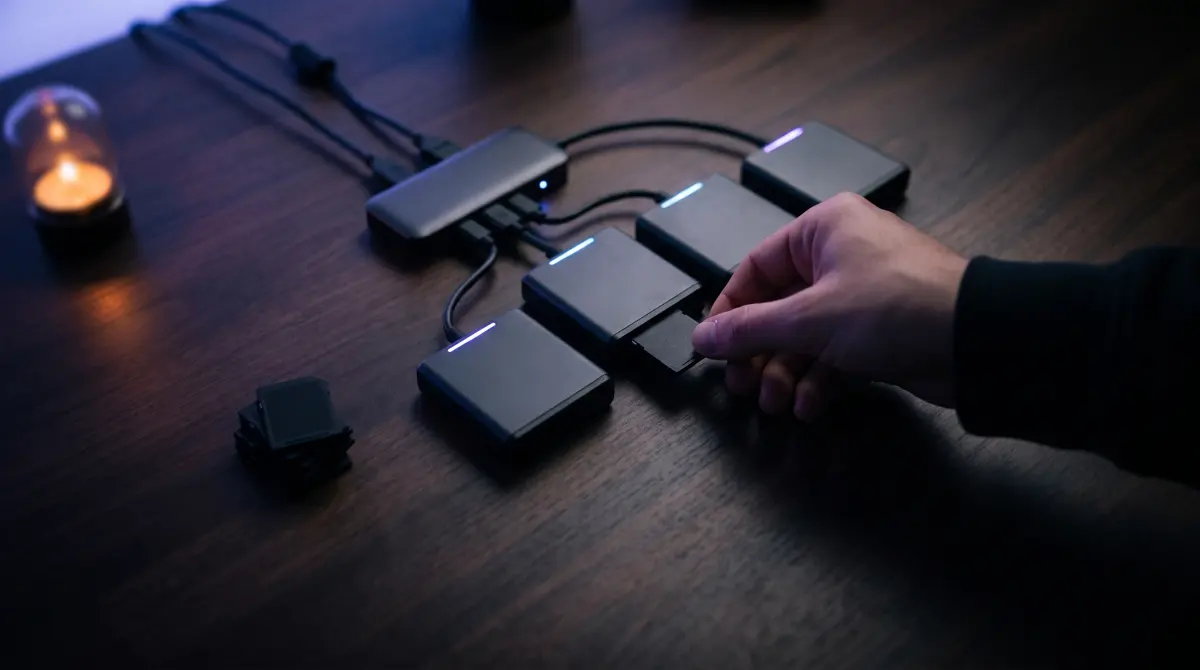
Plug in every card, hit Copy all, and let Copsy work through them one after another — each one verified.
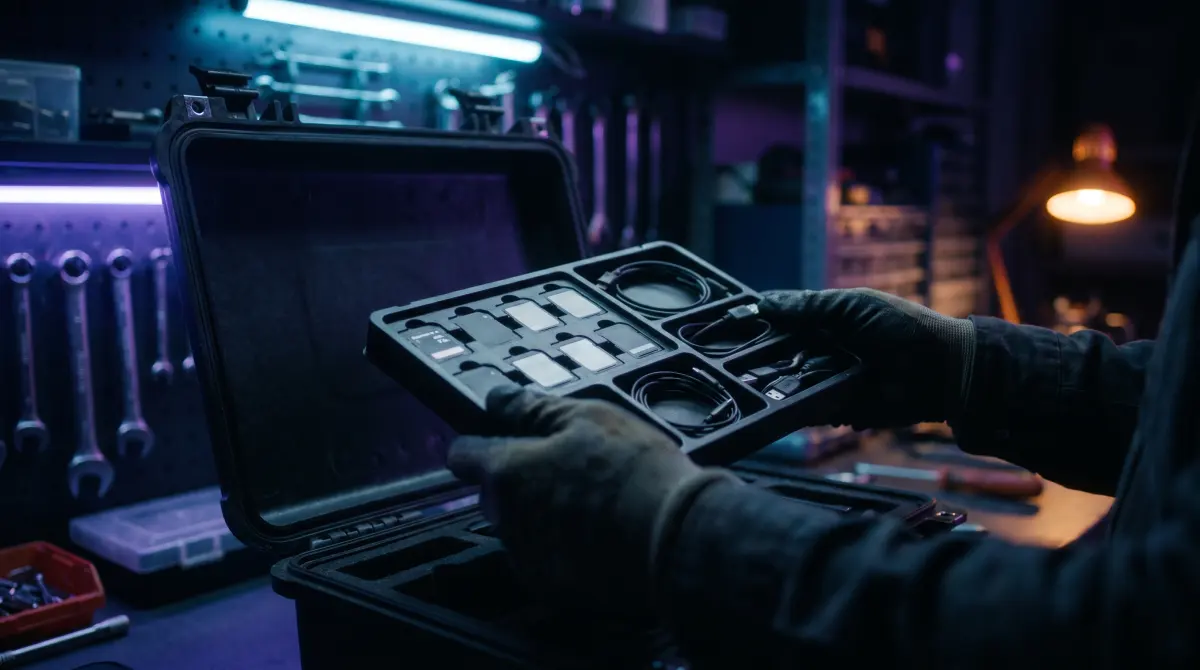
Copying only the clips you can see can break spanned takes, sidecar metadata, audio and the folder structure editors expect.
Cloud, LTO tape and cold hard drives compared on cost and lifespan, with a practical long-term archive plan for 2026.
The limits that matter, why big uploads fail, and how to get hundreds of GB up without starting over.
The Dropbox limits that matter and the most reliable way to upload big video files.
WeTransfer, MASV, Filemail, Smash, Frame.io, Drive or Dropbox: what each allows for big footage.
Camera-by-camera notes on card formats, folder layouts and gotchas.
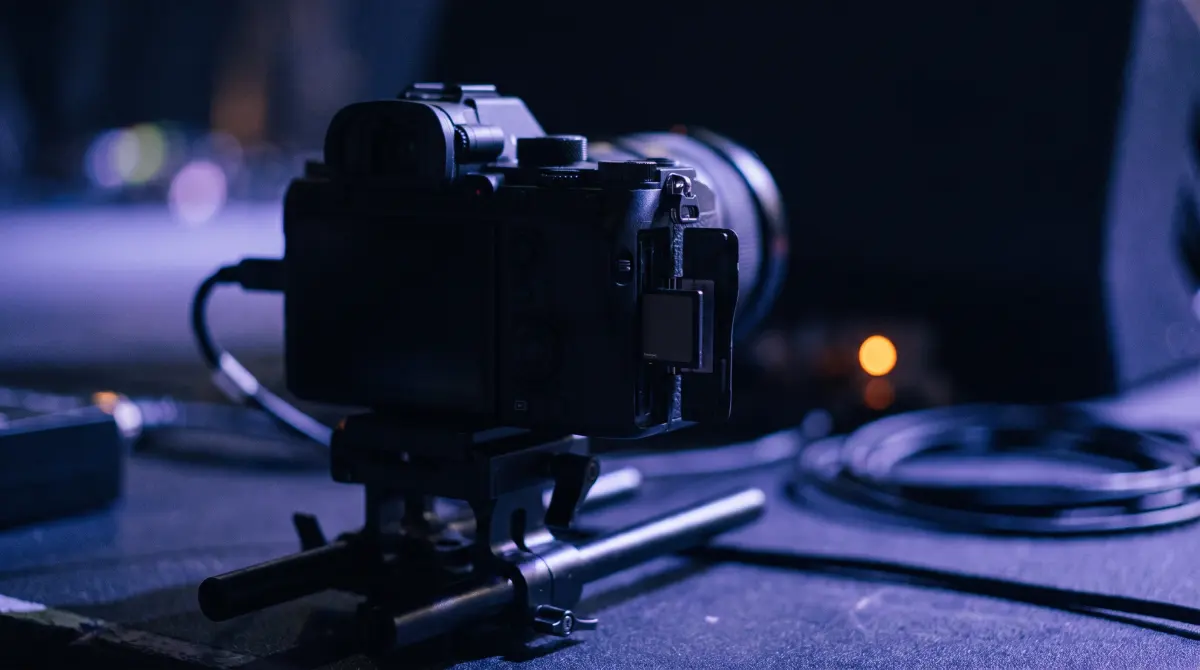
Offload SD and CFexpress Type A cards from Sony FX6, FX3 and A7S III bodies to a drive and the cloud, verified with ASC-MHL.
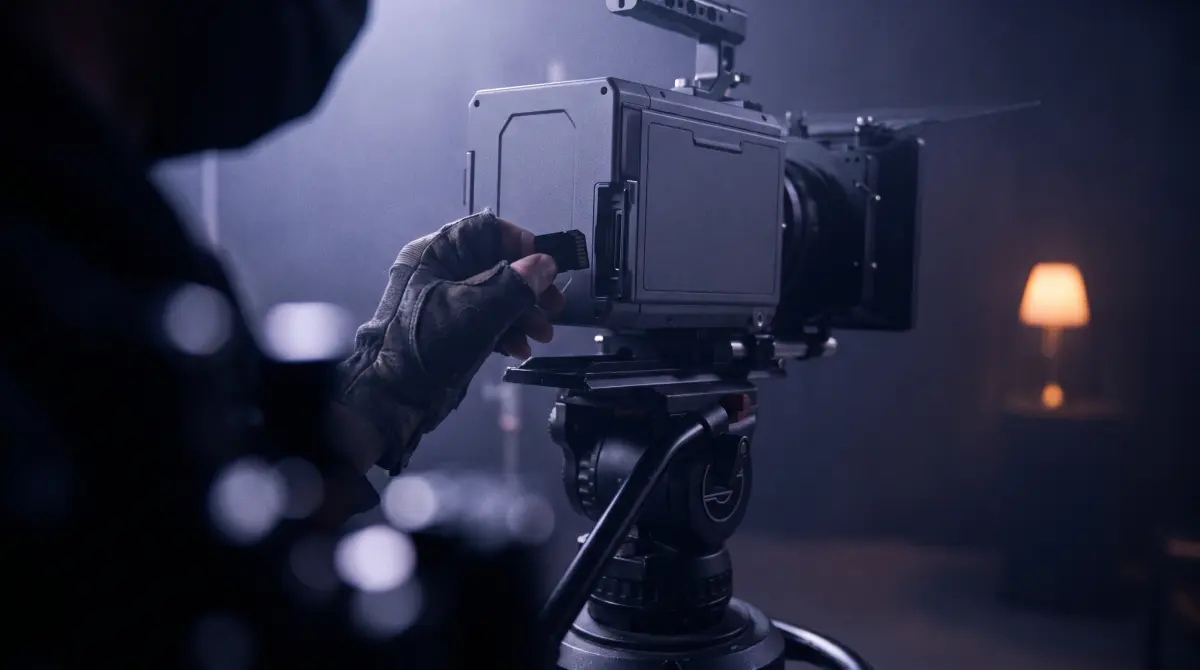
Back up RED .R3D footage from MINI-MAG or CFexpress media to a drive and the cloud, with every file verified by ASC-MHL.
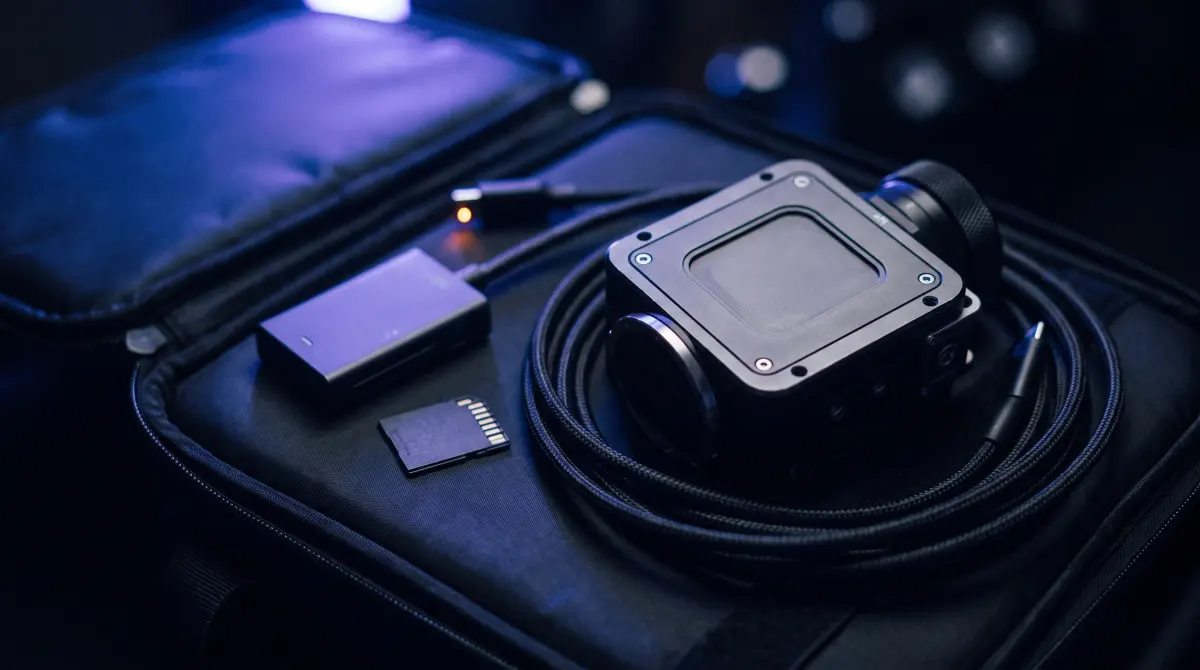
Offload BRAW or ProRes from CFast, CFexpress, SD or USB-C SSD media to a drive and the cloud, checksum-verified.

Back up CFexpress and SD cards from Canon Cinema EOS and mirrorless bodies with the folder structure intact and every file verified.

Offload a drone's microSD, verify every short clip with ASC-MHL checksums and sort flights by date and source automatically.
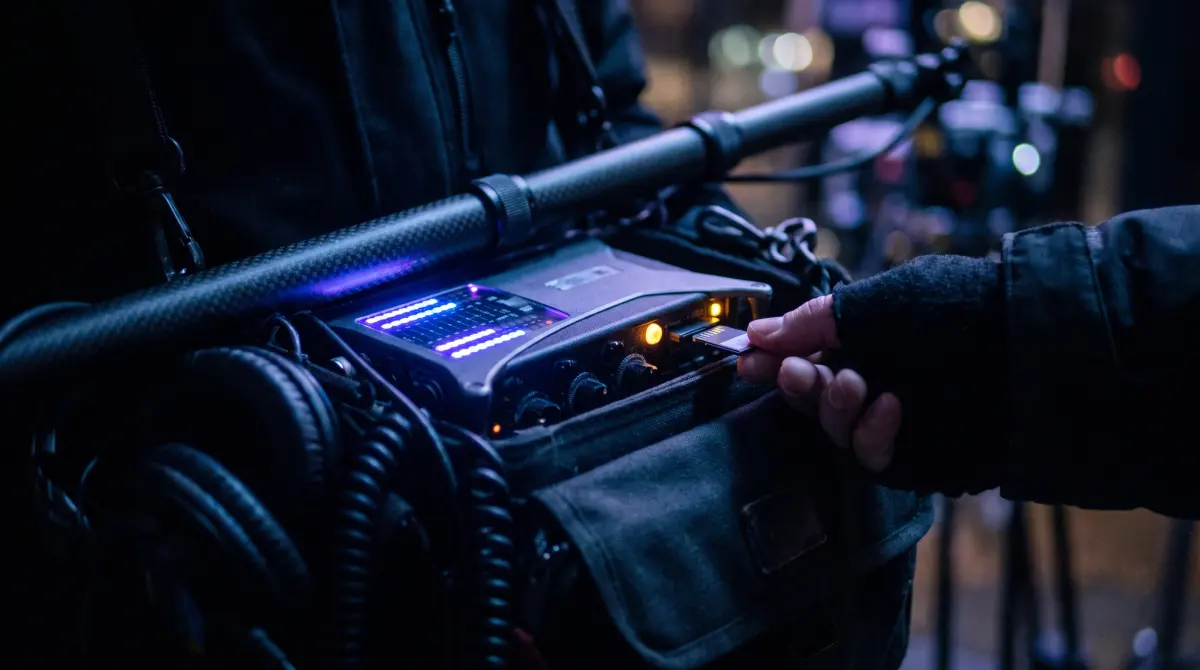
Back up BWF and WAV files from Sound Devices, Zoom and Tascam recorder cards with the same verification as your picture.
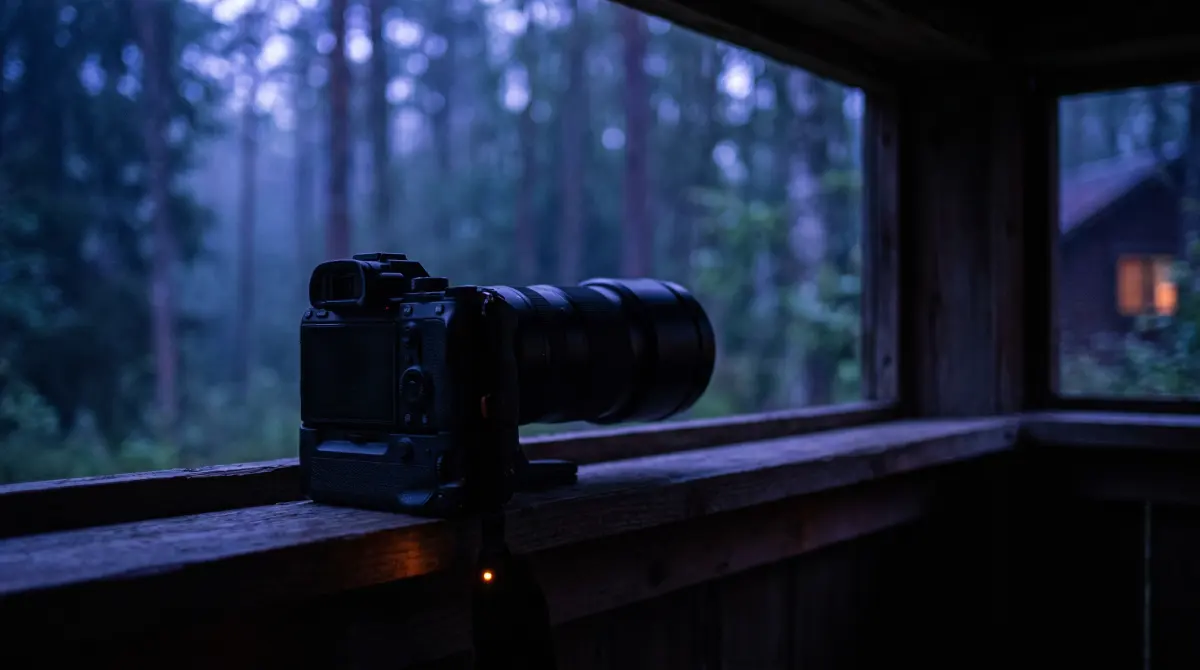
Offload N-RAW, ProRes RAW and H.265 from Z9 and Z8 CFexpress Type B cards to a drive and the cloud, verified.
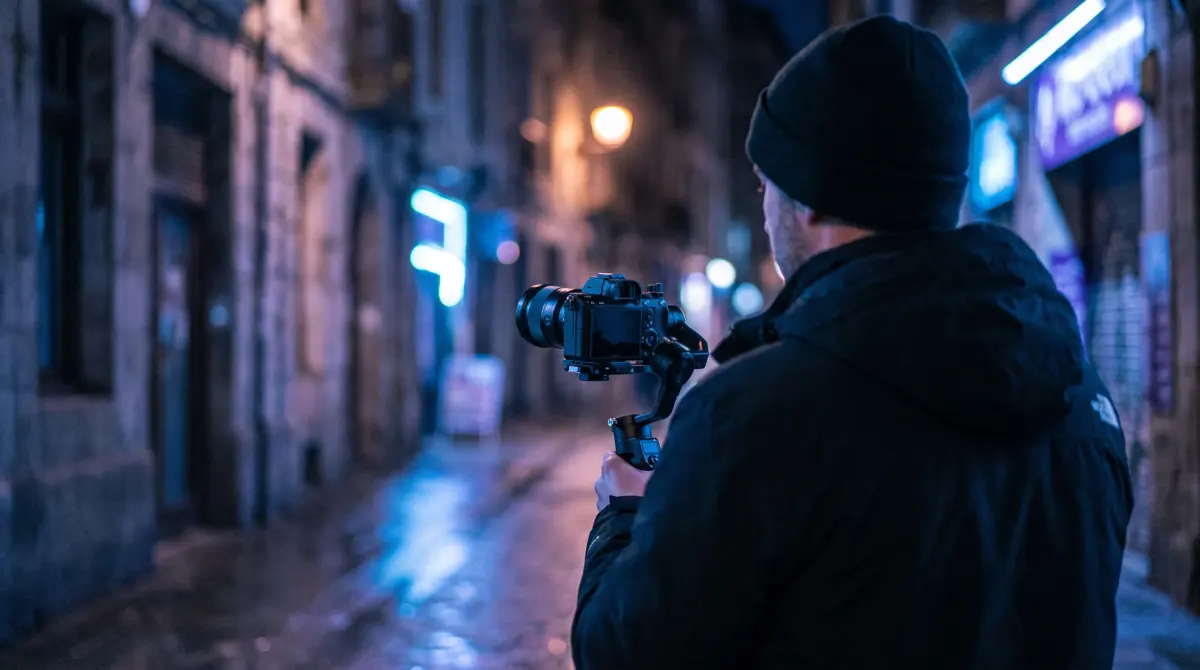
Copy and verify GH6, GH7, S5 and S5II clips, V-Log included, from SD or CFexpress to a drive and the cloud.
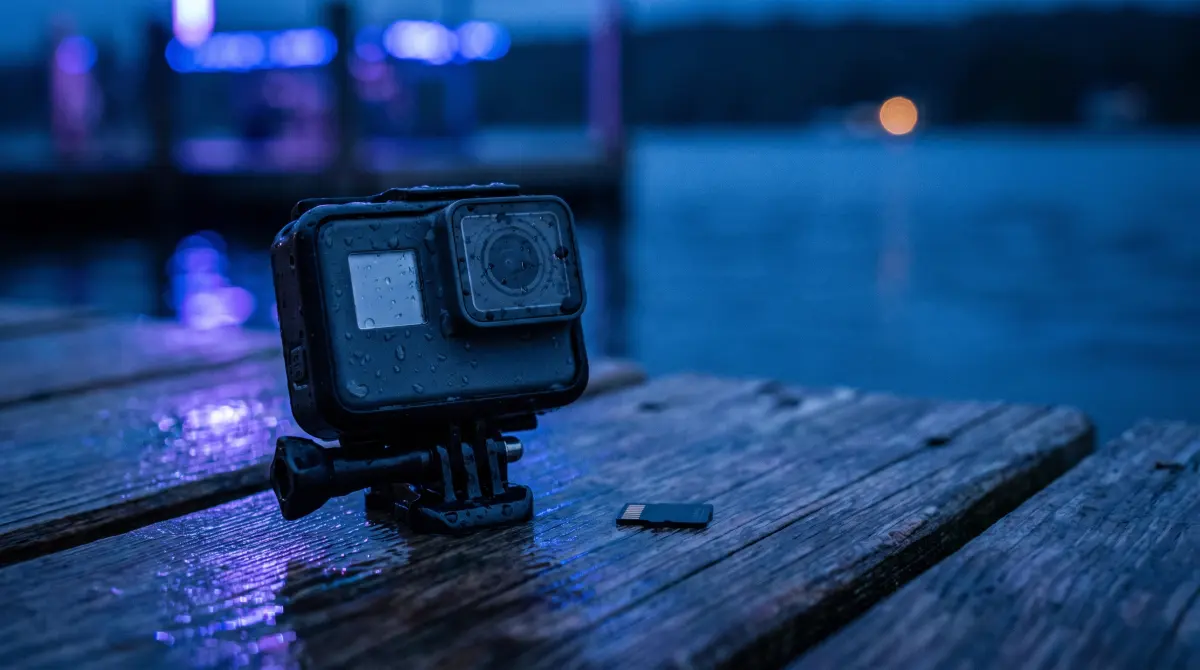
GoPro splits long clips into chaptered MP4s; offload every chapter from the microSD, organize by date and verify each file.
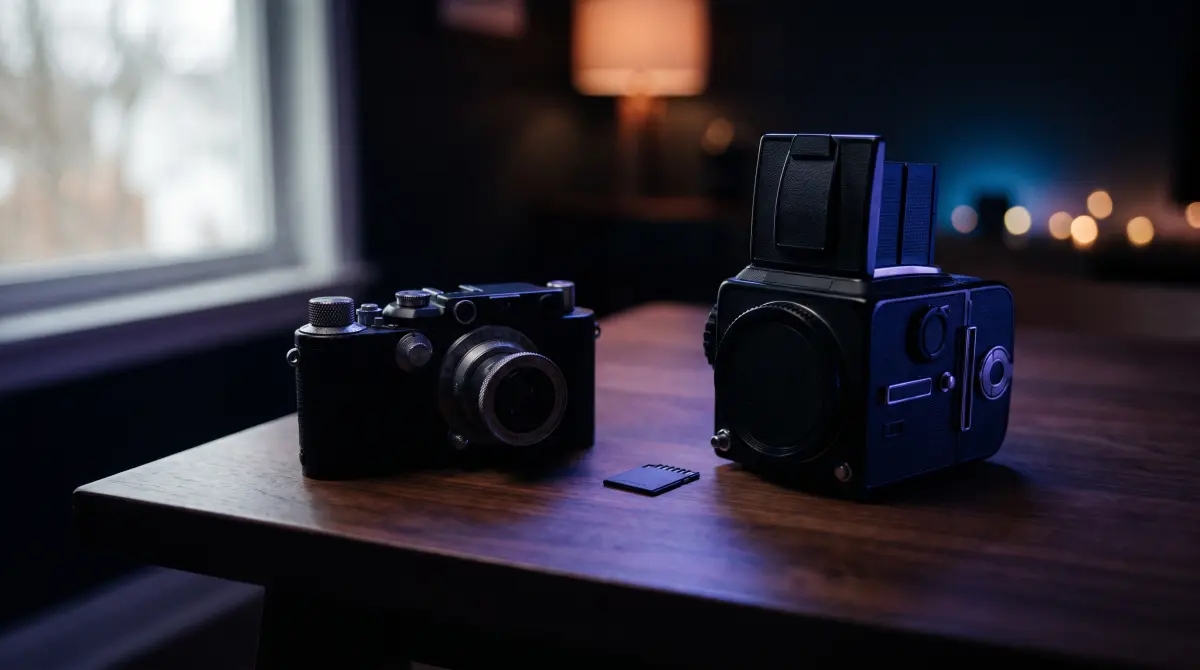
Back up X-H2S, X-H2 and GFX cards, internal ProRes on CFexpress included, to a drive and the cloud with ASC-MHL checks.
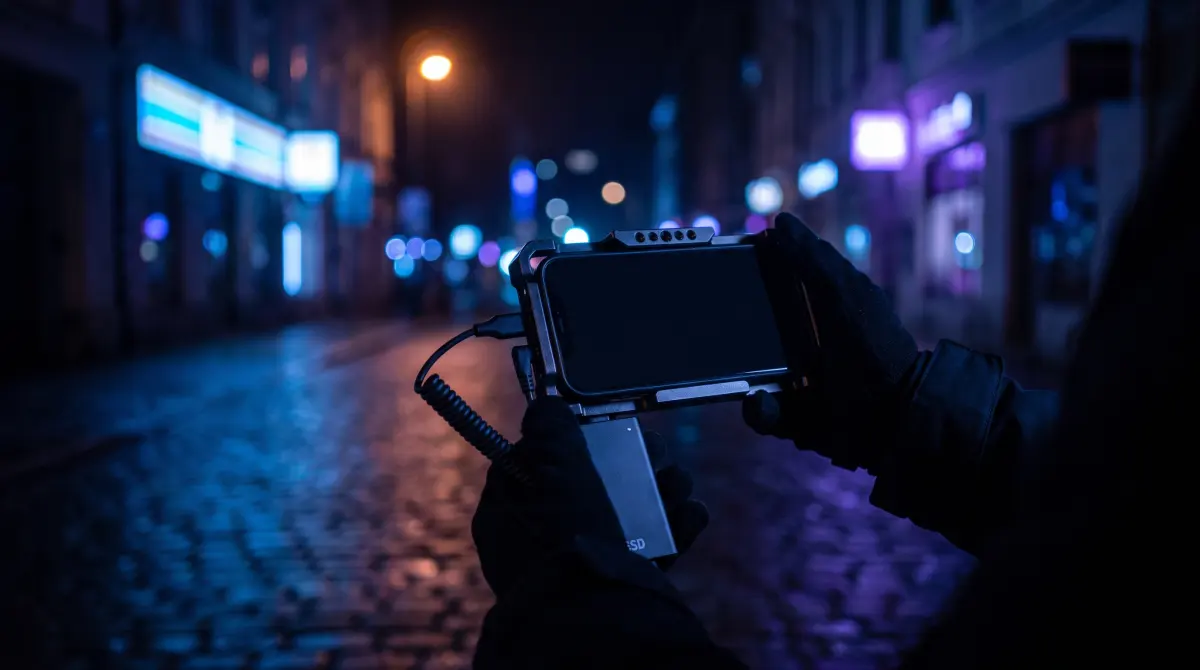
Offload iPhone Pro ProRes or Blackmagic Camera BRAW from the external SSD to a drive and the cloud, with every clip verified.
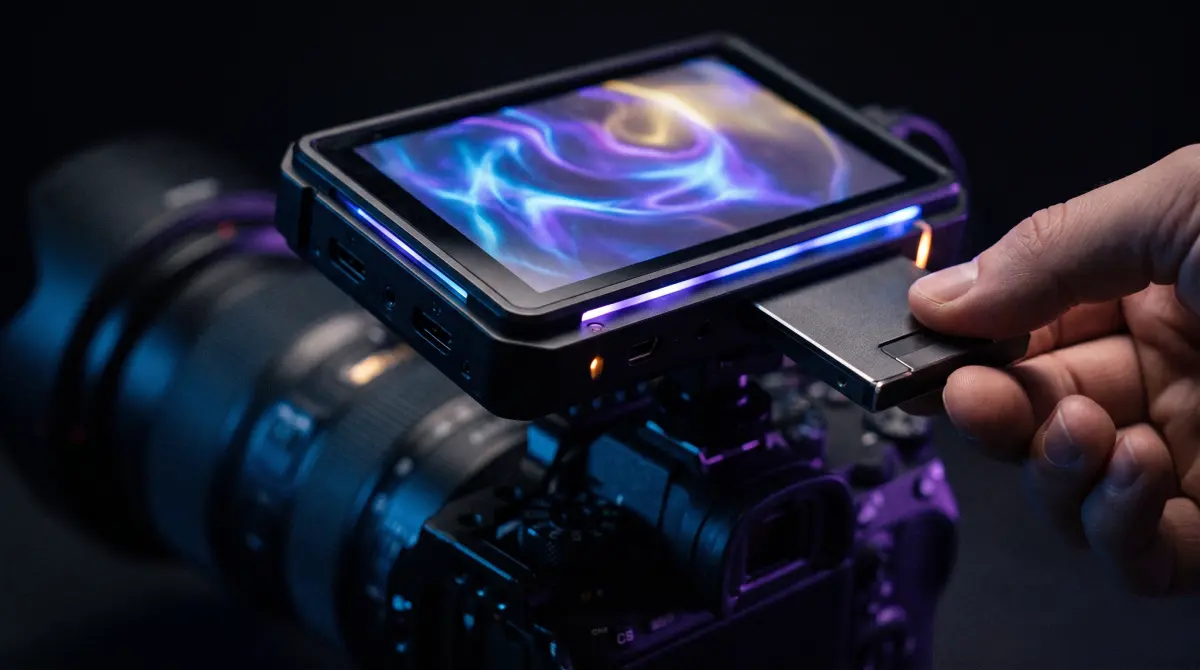
Offload ProRes, ProRes RAW or BRAW from an Atomos Ninja SSD or CFast card to a drive and the cloud, verified clip by clip.
Copy and verify the raw .insv files from an Insta360 microSD before you stitch, organized by date on a Mac.
Offload ARRIRAW or ProRes from Codex and CFexpress media to a drive and the cloud, verified with ASC-MHL and sorted by date.
Back up ZRAW or ProRes from a Z CAM E2's CFexpress card or SSD to a drive and the cloud, verified and organized by date.
Offload Osmo Pocket 3 and Osmo Action microSD cards on a Mac, verified, sorted by date and copied to a drive and the cloud.
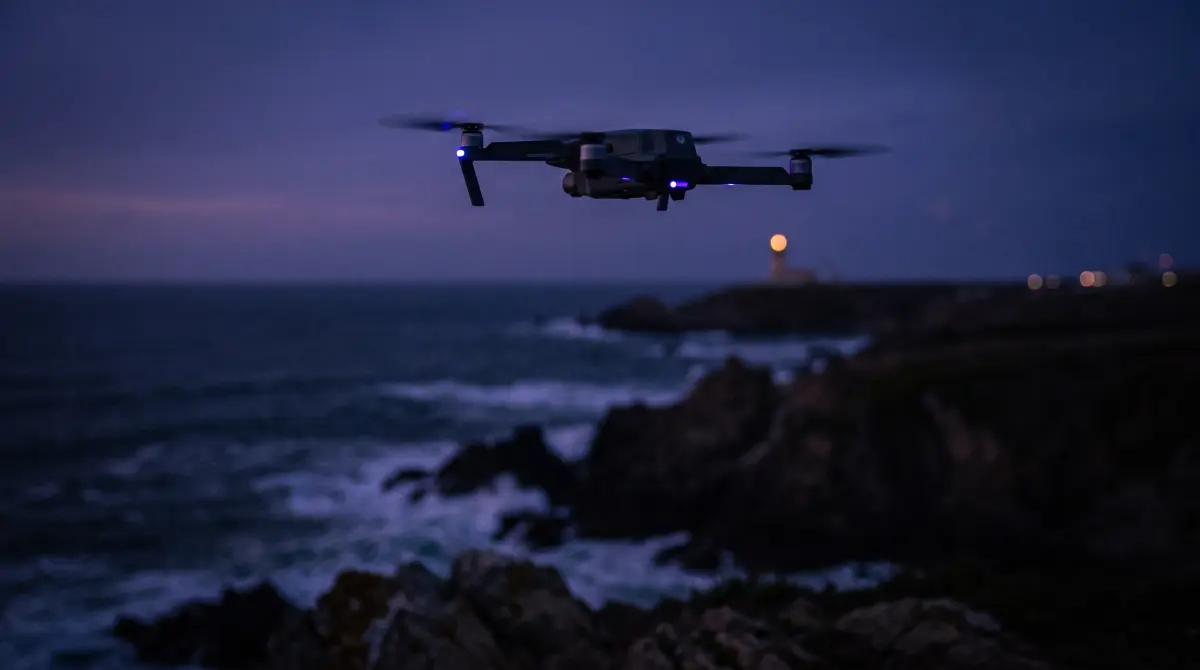
Back up Mavic 4 Pro footage from both internal storage and microSD to a drive and the cloud, verified with ASC-MHL.
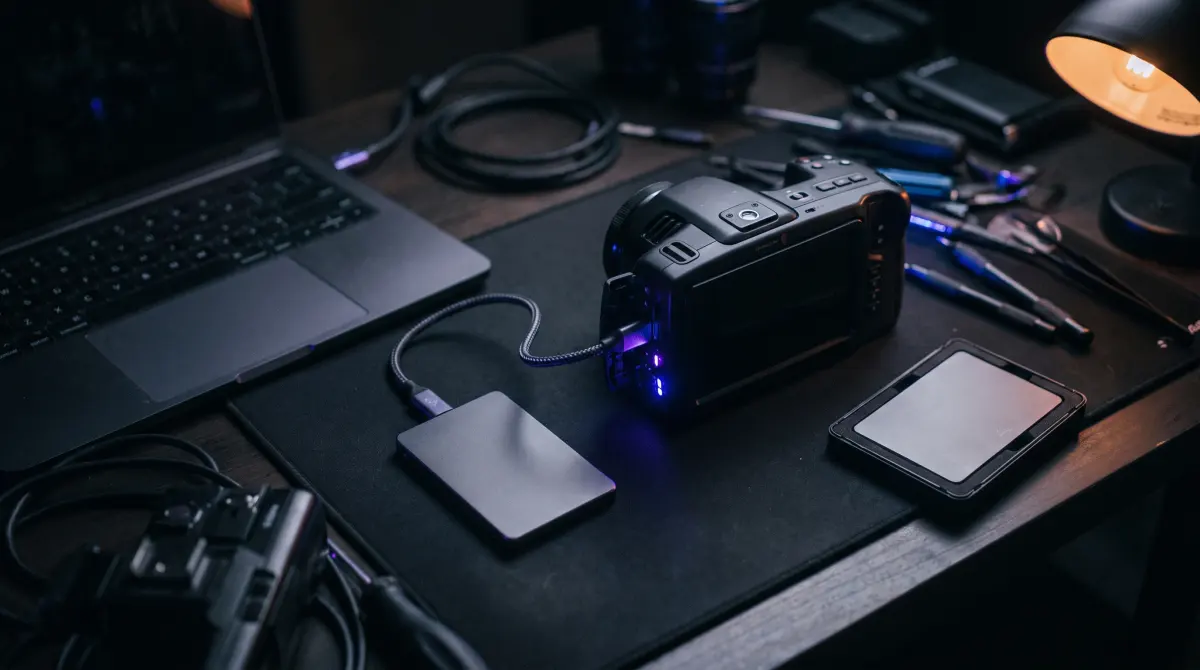
How to offload and verify BRAW recorded to a USB-C SSD on a Pyxis or Pocket 6K, plus the T7 dropped-frames gotcha.
How Copsy stacks up against the paid tools, and where it doesn't.
Hedge renamed its offload app OffShoot and raised the price; Copsy is the free Mac alternative that verifies every file.
An honest comparison of ShotPut Pro and Copsy, a free Mac app that copies and ASC-MHL-verifies cards to a drive and the cloud.
Both are free and verify every file: Ingesto is open-source and cross-platform, Copsy adds a Google Drive or Dropbox backup.
Silverstack is a full DIT-lab suite; Copsy is a free Mac app for the copy-and-verify core, with a drive and a cloud copy.
Copsy, Stow, BitMatch, Ingesto, FilmCan and Resolve's Clone Tool ranked, and the one free app that also backs up to the cloud.
How to copy a camera card to an external drive and Google Drive or Dropbox in one verified job on a Mac.
OffShoot is Hedge's new name and costs about $169–$249; Copsy is a free Mac app that makes verified drive and cloud copies.

Tusk is a low-cost Mac offload app; Copsy is free and adds a parallel cloud copy, card auto-detect and ASC-MHL verification.
How Maxon's paid Red Giant Offload compares with Copsy, a free Mac app that makes verified drive and cloud copies.
YoYotta handles LTO and full DIT work for about $110 a year; Copsy is free and simpler for copy, verify and cloud backup.
Resolve's Clone Tool verifies copies but lives inside the editor; Copsy is a free standalone app that adds cloud copies.
Copsy covers ShotPut Pro's core job, a checksum-verified card offload to a drive and the cloud, for free on a Mac.
If you only use Silverstack to offload, Copsy covers copy, ASC-MHL verification and cloud backup without a subscription.
OffShoot, formerly Hedge, costs about $169–$249; Copsy is a free Mac app that still ASC-MHL-verifies every copy.
Carbon Copy Cloner is built to clone disks, not offload camera cards; here's how it compares with the camera-aware Copsy.
ChronoSync is a flexible Mac sync and backup app, but unlike Copsy it can't recognize a card by its content or write ASC-MHL.
TeraCopy, FastCopy, Robocopy, rsync, FreeFileSync, Ultracopier and Copsy: which ones actually check the copy.
Copying photos and video off a card and cloning the whole card are different jobs. The best free tools for each on Mac and Windows.
TeraCopy for Mac is still version 1.1 from 2024. The Mac apps that copy files and check the copy, compared.
Backup routines for wedding shooters and documentary crews.

A wedding happens once, so get two verified copies of every dual-card camera to a drive and the cloud before you leave the venue.
For long, remote shoots: verify every card, keep redundant 3-2-1 copies on the road and organize by date and source.
When a card won't mount, a clip is corrupt, or a card might be fake.
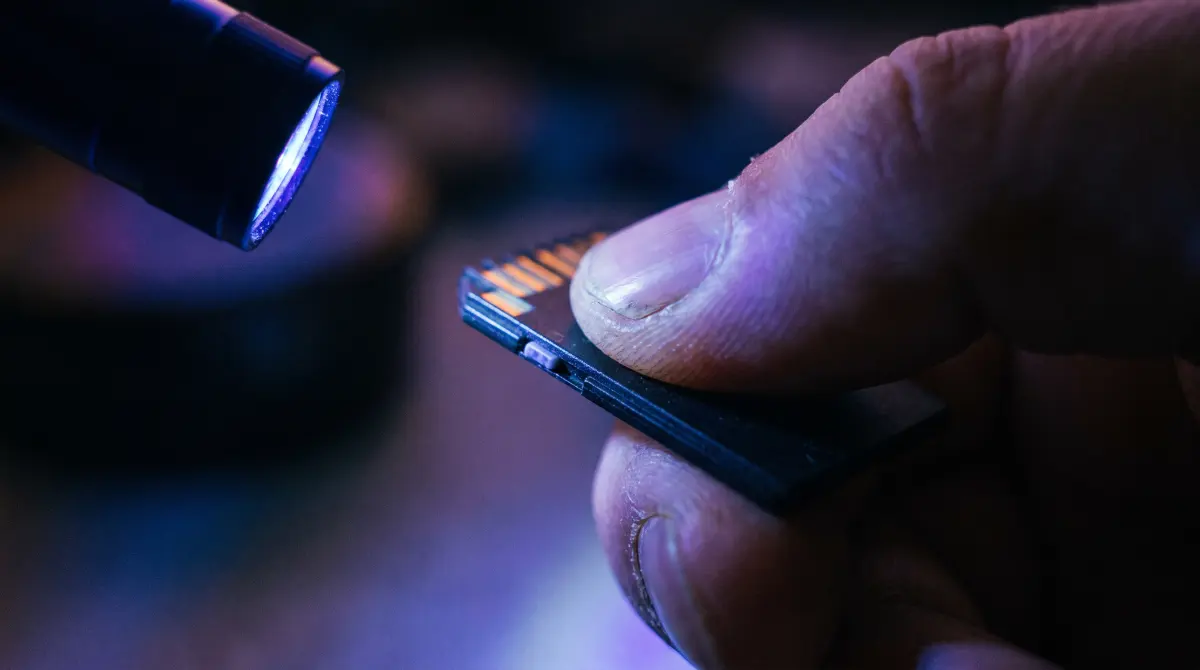
Don't click Initialize: the safe order of fixes for an unreadable camera card, and how to offload it before you ever format.
Stop using the card, image it byte for byte and run recovery on the image, then use verified offloads so it doesn't happen again.
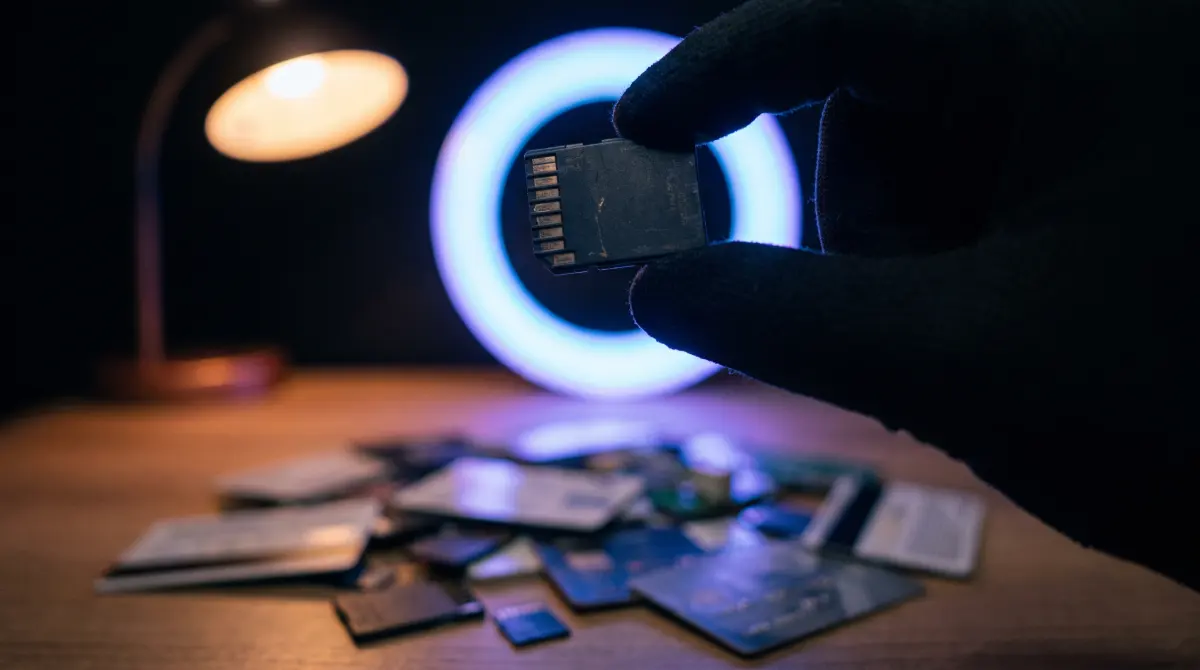
A full write-and-read-back test catches fake capacity and bad sectors on SD and CFexpress cards before they ruin a shoot.
FAT32 can't hold a file over 4 GB, so cameras split long takes into segments; here's how they rejoin and how to avoid it.
Nothing matches "". Try a camera brand, a card type or a word like "verify".